How to make an AI influencer
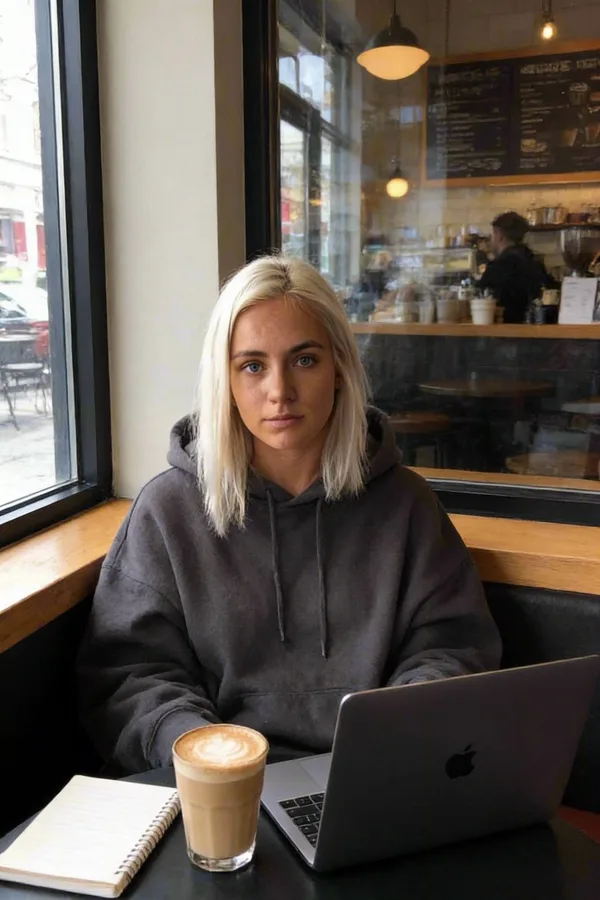
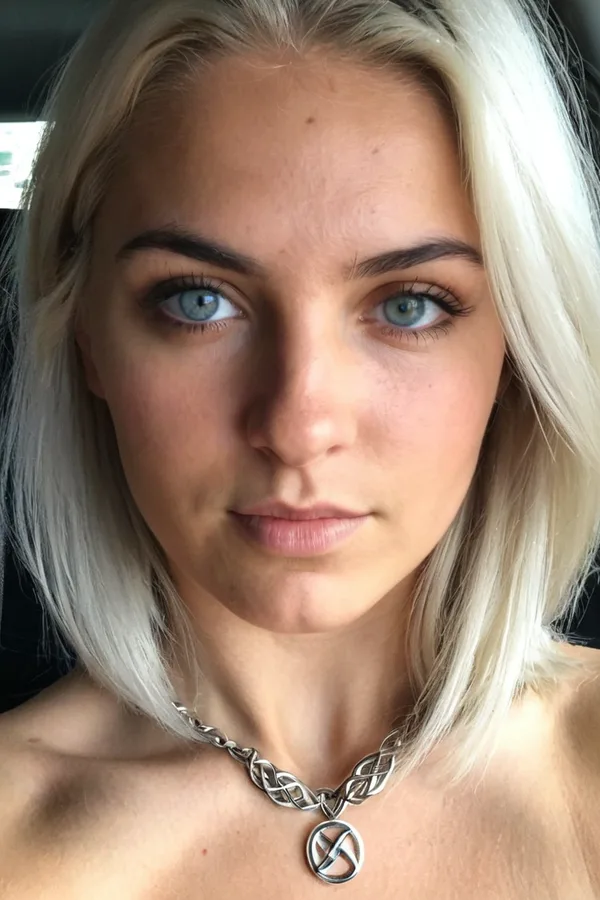
An AI influencer is a character with a face, a personality and a feed that feels like a real person's. This guide takes you from a blank page to your first scheduled post: plan who they are, create the character, make a first set and keep the look the same every time.
Start here · 7 min read · Updated 2026-11-11

What you'll learn
- How to plan a persona people remember
- How to create the character in Sozee
- How to make a first photo set that looks like one person
- How to post, read the results and keep going
What an AI influencer is
An AI influencer, sometimes called a virtual influencer, is a character who posts like a person: the same face in every photo, a recognizable style and a voice in the captions. The followers come for the personality. The pictures are how they meet it.
In Sozee you build that character once, then make photos, videos and voice notes of them whenever you need content. Everything below is the order that works best.
Made in Sozee.
Step 1: plan the persona
Decide who they are before you make a single photo. A clear persona makes every later choice easier: what they wear, where they go and what they'd say in a caption.
- A niche. One lane is easier to grow than five. Home cooking, gym life, travel on a budget, quiet luxury.
- A place. Where they live shapes the backgrounds: a small apartment in a big city, a beach town, a farmhouse.
- A personality. Two or three words you could hear in their captions: warm and dry, loud and funny, calm and precise.
- Signature content. The post people come back for: Sunday market hauls, 6am gym selfies, a weekly outfit check.
- An audience. Who it's for. It decides the tone and the platforms.
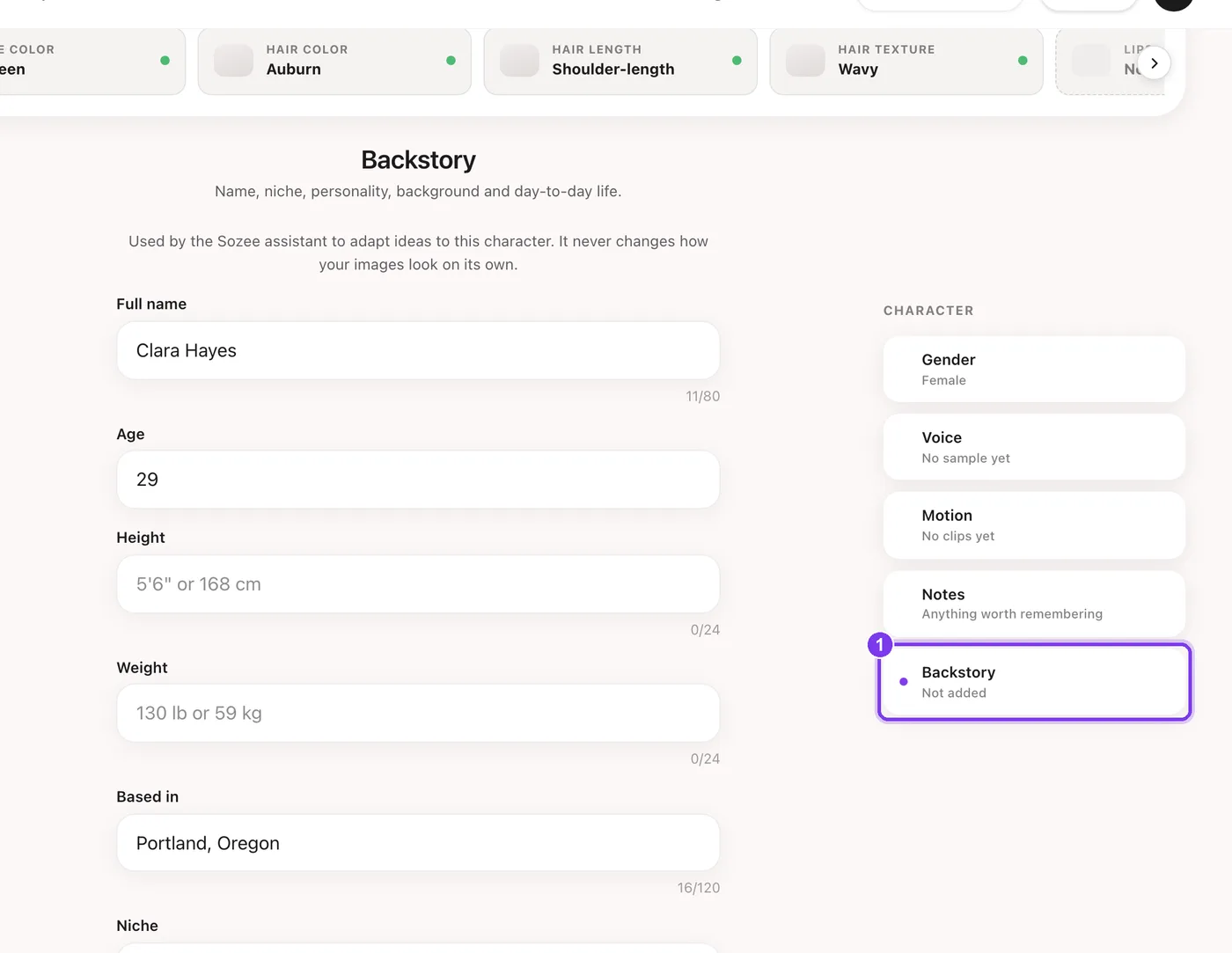
Save it in Sozee so you don't have to remember it. Open your character from Characters, then choose Backstory in the list on the right. Fill in the fields that matter, such as Full name, Age, Based in, Niche, Personality, Signature content and Audience, and press Save backstory.
Step 2: create the character
Go to Characters and start a new character. You have two choices.
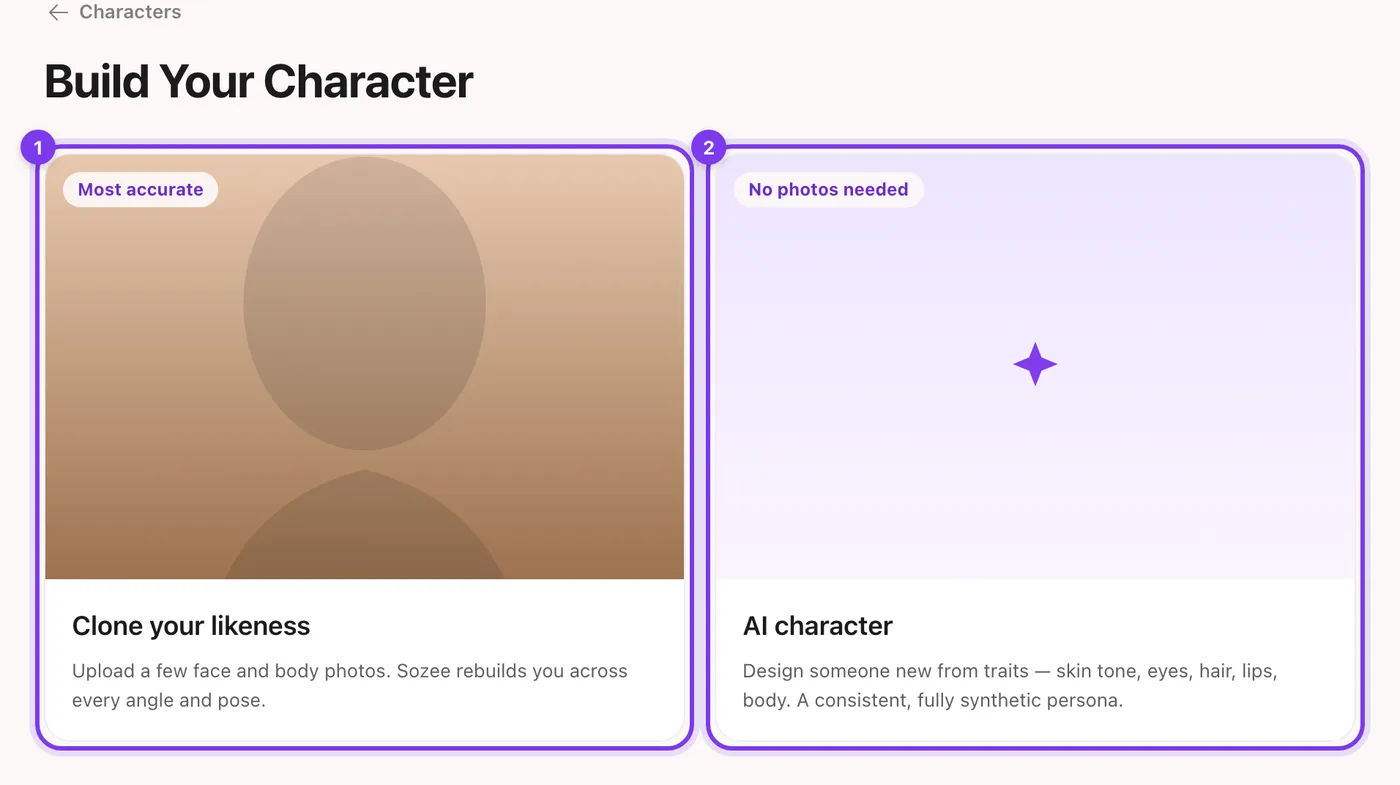
- AI character. No photos needed. You pick traits such as skin tone, eyes and hair, and Sozee generates the face and body. This is the usual choice for an AI influencer. See the AI character generator guide.
- Clone your likeness. Upload a few face and body photos of yourself and Sozee rebuilds you. Choose this if the influencer is you. See how to choose your photos.
Step 3: make your first photo set
Your first set is your character's introduction, so make it feel like a real week in their life rather than a run of portraits.
- Open Create and choose Image Pick your character from the character button next to the prompt.
- Write one scene per prompt Describe a moment from their life: “a mirror selfie in a small city apartment, morning light, oversized grey sweater.” The prompting guide covers the structure that works.

In the app. Your character (1), the prompt (2) and the settings (3). The price shows on Generate. - Make a handful, keep the best Start with 1 or 2 images per prompt while you find the look, then pick the strongest few for the feed.
- Or ask Agent for a whole set Open Agent and choose Photo set or Photoshoot. Agent asks what it needs and shows the plan before anything is made. See the Agent guide.
Step 4: keep the look consistent
Followers notice when the face drifts. Sozee keeps your character's identity in every photo it makes of them, and a few habits keep everything else steady too.
- Always pick the character. A photo made with No character is a stranger.
- Reuse your saved places and outfits. Save their apartment, their go-to outfits and their props once, then pick them in Photo Control instead of describing them again. See Photo Control in the prompting guide.
- Copy a pose, not a person. To match a pose you've seen, use a reference photo. The face stays your character's.
- Fix, don't regenerate. When a photo is nearly right, change the detail with Comment Edits or In-paint instead of starting over.
Step 5: post and grow
Connect your character's social accounts once, then schedule straight from Sozee. Open Social Planner, go to Connected Accounts, pick the character and add each platform. The scheduling guide walks through it.
- Post on a rhythm. A steady schedule beats bursts. Set your daily posting slots once in Schedule Settings.
- Add video. Turn your best photos into short clips with image to video, or make a talking-to-camera post with UGC.
- Give them a voice. A saved voice lets your character send voice notes. See AI voice clone.
- Read the results. Analytics in Social Planner shows what each post did, so you can make more of what works.
Made in Sozee.
Mistakes to avoid
Don't do this
Start making photos before you know who the character is. Change their style every week. Post a perfect studio portrait every day. Write captions that could belong to anyone.
Do this instead
Write the backstory first. Keep a few looks and places that come back. Mix candid shots with polished ones. Let the personality do the talking in captions.
Questions people ask
Do I need photos of a real person?
No. An AI character is generated from the traits you pick, with no photos needed.
How much does it cost to start?
Character photos cost 1 credit each, and photos start at 1 credit at 1K. Pay As You Go starts at 10 credits for $10. See how credits work.
Can I run more than one AI influencer?
Yes. Pay As You Go includes one character slot, Creator includes three and Agency has no limit.
Start with the character. Everything else builds on it. Create your character
Related guides
- AI character generator that keeps the same face — Use Sozee's AI character generator to design a consistent AI character from traits, generate face and body shots, and keep the same face in every photo.
- How to schedule Instagram and TikTok posts — How to schedule Instagram posts and TikTok posts with Sozee's Social Planner: connect accounts, write the caption, pick a time and read results in Analytics.
- Agent: research, make and schedule from one chat — Sozee's Agent works like an AI social media manager: research what's trending, make photos and videos of your character, and schedule posts in one chat.