How to choose photos to train your AI character
The photos you train with decide how good your AI character will be. You need one clear face photo and one or two body photos, front and back. Quality matters more than quantity.
Create · 8 min read · Updated 2026-11-11
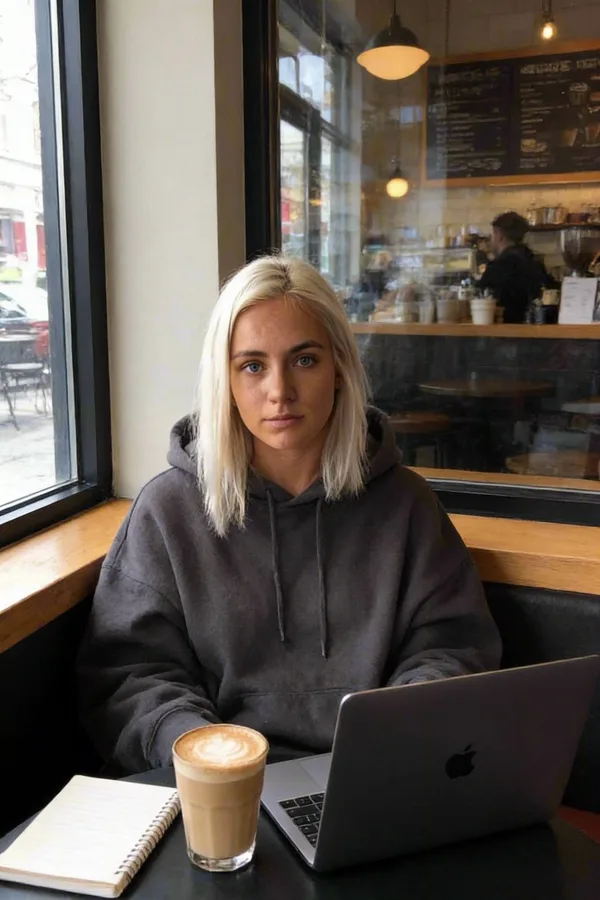
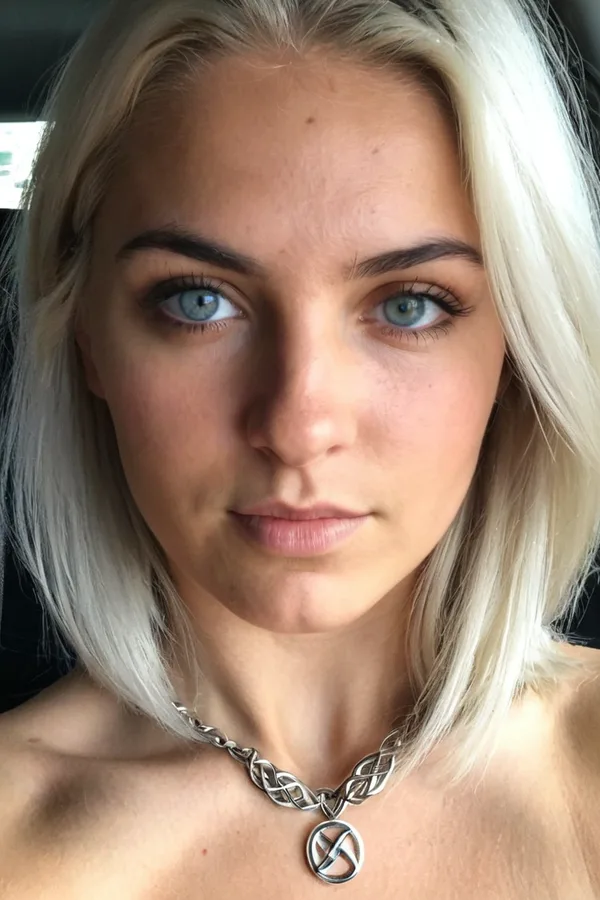
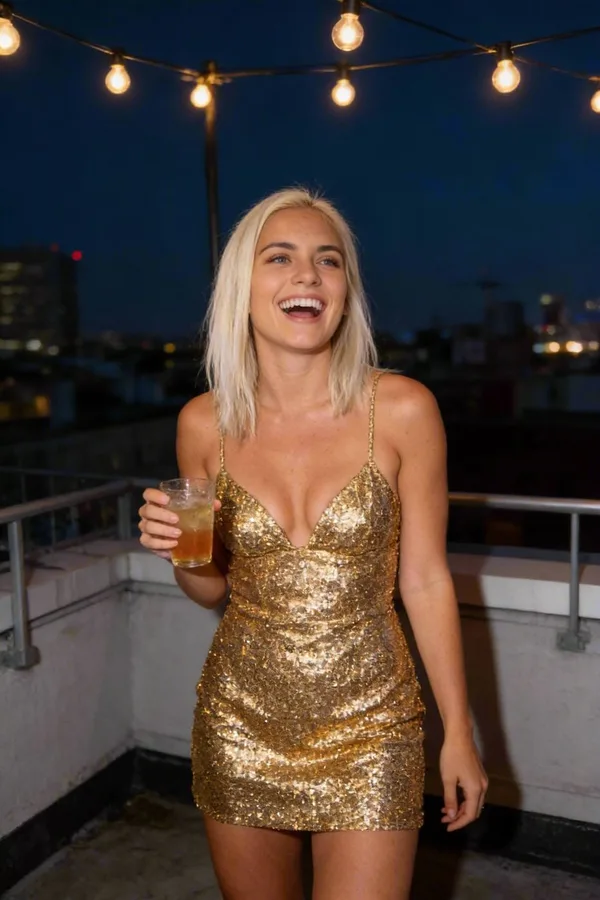
What you'll learn
- Which photos you need to train a character
- What makes a good face photo
- What makes good body photos, and why fitted clothing helps
- A checklist to run before you upload
What you'll need
Cloning your likeness takes just a few high-quality photos: one clear face photo and one or two body photos, front and back. Quality matters more than quantity.
Start in Characters and choose Clone your likeness. Each photo costs 1 credit to set up. Prefer a fully synthetic persona? Choose AI character instead, and design one from traits without any photos.
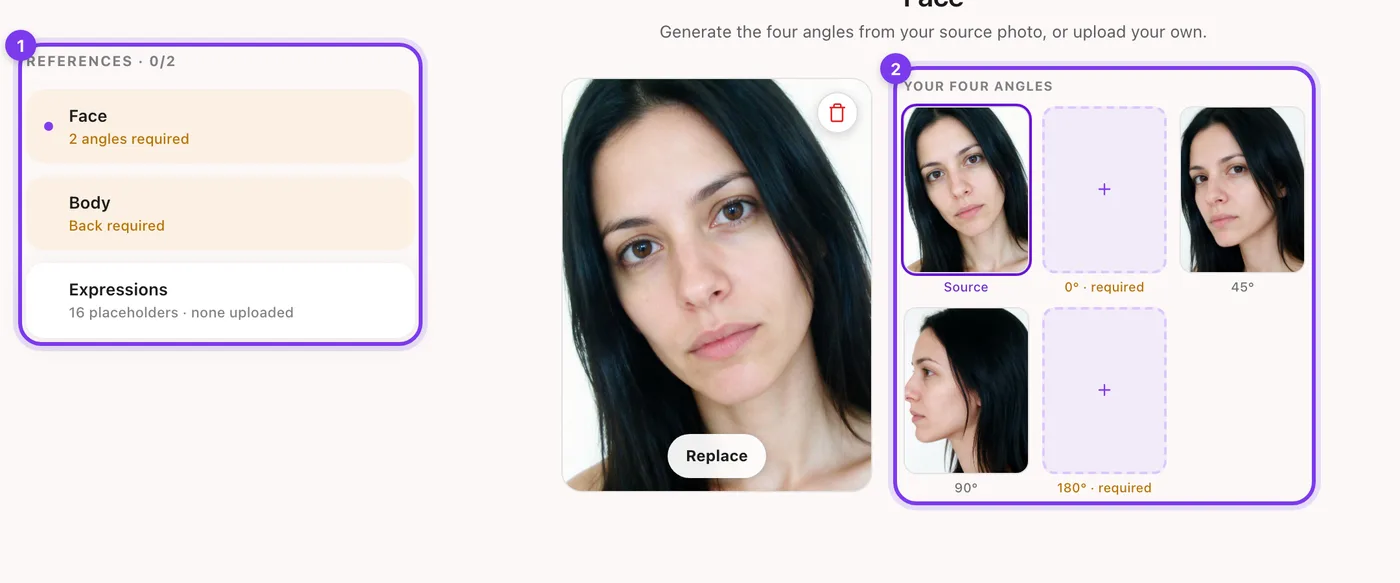
1 face photo
One clear, high-resolution photo of your face.
- High resolution and sharp focus.
- Good, even lighting.
- Looking straight at the camera.
- No accessories you don't want in every generation.
Made in Sozee.
1-2 body photos
Front and back photos that show your body's form and shape.
- A clear view of your body (the face can be cropped).
- Fitted clothing, for the most accurate result.
- Front view (required).
- Back view (recommended).
Your face photo: the foundation
Your face photo matters most. It should be a clear, unobstructed view of your face that captures your features.
Technical requirements
- High resolution: clear and sharp, not blurry.
- Good lighting: well lit, with no harsh shadows.
- Direct view: face the camera straight on.
- Neutral background: simple and uncluttered.
A good face photo
A clear, high-resolution image. Your face looking straight at the camera. Good, even lighting. No hats, glasses or accessories. A natural expression. A simple background.
Avoid
Blurry or low-resolution images. Sunglasses or hats. Heavy filters or effects. A partly covered face. Poor lighting or harsh shadows. A face at an extreme angle.
Your body photos: showing your form
Body photos help Sozee understand your build and proportions. You need one or two photos that show your body clearly.
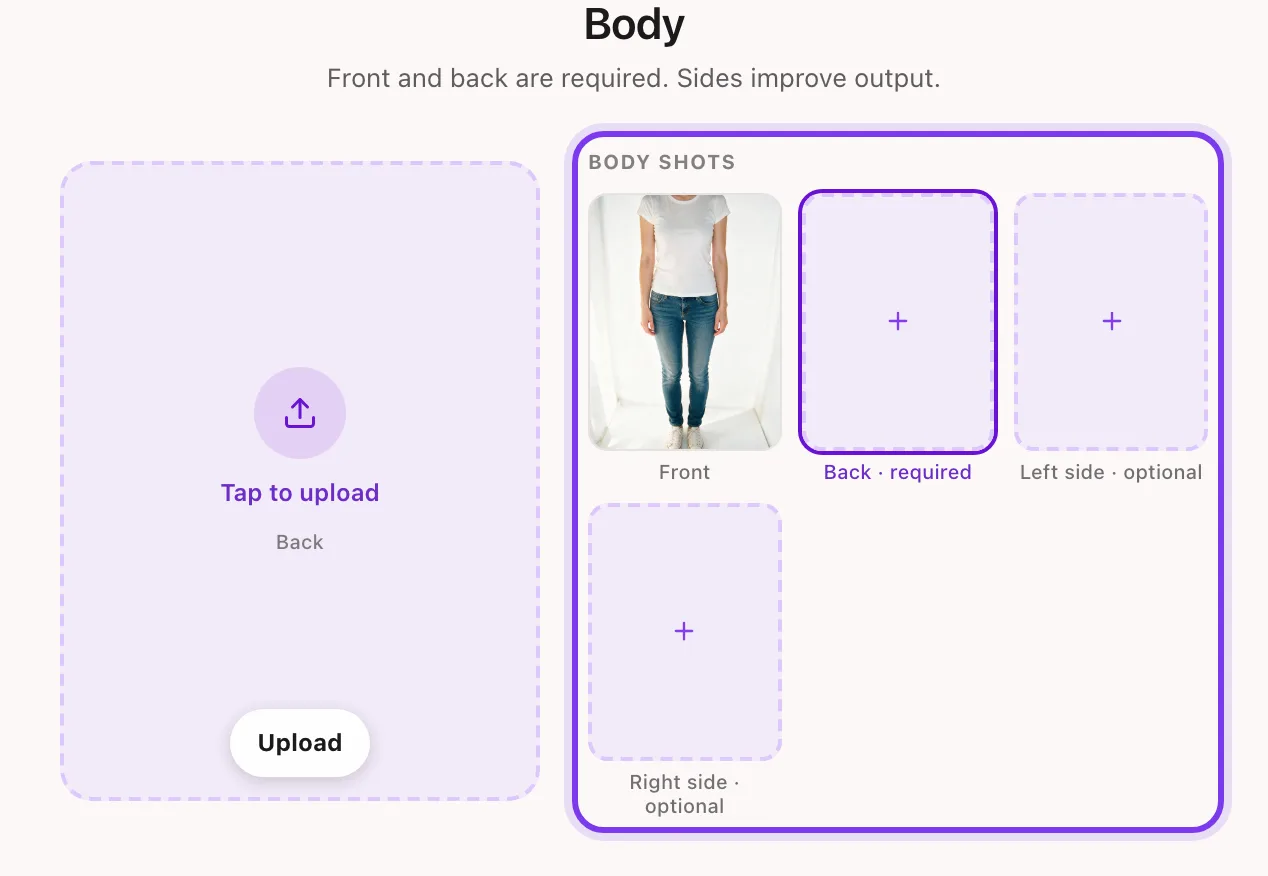
Required: front view
- Full body visible: head to toe, or body only.
- Fitted clothing: shows your body's shape and form.
- Good lighting: even and clear.
- Face optional: you can crop it out if you prefer.
Recommended: back view
- Back view of your body: the same requirements as the front.
- Fitted clothing: shows your full body shape.
- Natural pose: standing naturally.
- Better accuracy: better results from every angle.
Why fitted clothing works best
The more clearly your photos show your shape, the more accurately Sozee learns your real build and proportions. That gives better results in any outfit or scenario you create later.
Best results: fitted clothing, such as activewear or a swimsuit, that clearly shows your body's form. Baggy layers hide it.
Good body photos
A clear view of your whole body. Fitted clothing, such as activewear or a swimsuit. Good, even lighting. A natural standing pose. Both front and back views. High resolution and sharp.
Avoid
Heavy, baggy clothing that hides your form. Part of your body out of frame. Blurry or low quality. Extreme poses or angles. Poor lighting or shadows. Anything blocking the view.
Quick checklist
| Requirement | Face photo | Body photos |
|---|---|---|
| Number of photos needed | 1 | 1-2 (front and back) |
| High resolution | Yes | Yes |
| Good lighting | Yes | Yes |
| No hats, glasses or accessories | Yes | Not applicable |
| Fitted clothing | Not applicable | Yes |
| Shows full body | Not applicable | Yes |
| Face can be cropped | Not applicable | Yes |
| Looking at camera | Yes | Not applicable |
| Front view required | Yes | Yes |
| Back view recommended | Not applicable | Yes |
| No filters or effects | Yes | Yes |
| Simple background | Yes | Optional |
One face photo and one or two body photos are all it takes. Follow these guidelines for the best result. Create your character
Related guides
- How Sozee credits work — How Sozee credits work: what AI photos, videos, edits and voice cost, Pay As You Go versus a plan, and how to make credits go further.
- Reference photos: copy any pose — Use a reference photo to copy any pose with your AI character in Sozee: what makes a good reference, how to attach it and how to get the closest match.
- Getting started with Sozee — Start making AI photos and videos of your own character in Sozee: create the character, pick a mode, choose quality and make your first set.