A saved voice lets your character speak. Record or upload a short sample once, and every voice note you make for that character uses it. This guide covers the sample, the cost and how to get audio that sounds natural.
Create · 4 min read · Updated 2026-11-11
What you'll learn
How to save a voice for your character
What makes a good voice sample
How to make a voice note
What it costs
Save a voice for your character
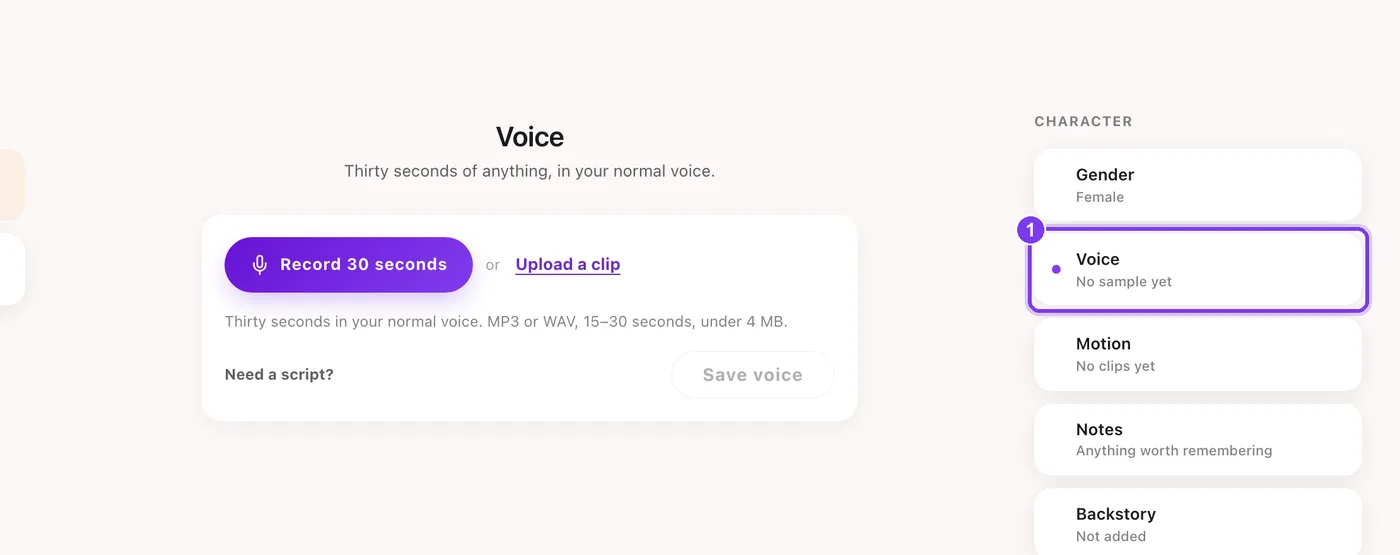
Open the character's settings Go to Characters, open your character and choose Voice in the list on the right.
Record or upload a sample Press Record 30 seconds to record in the browser, or Upload a clip. Not sure what to say? Need a script? shows something to read.In the app.Voice (1) in the character's settings, with Record 30 seconds and Upload a clip.
Save the voice Press Save voice. Saving a voice costs 5 credits.
Sample
Requirement
Length
15 to 30 seconds
File type
MP3 or WAV
File size
Under 4 MB
What makes a good sample
The sample is how your character will sound, so the way you speak in it carries through to everything the voice says.
Sounds scripted
Reading a paragraph in a flat, careful voice. A noisy room. Music in the background. A phone held at arm's length.
Sounds natural
Talking as if to a friend, at your normal pace. A quiet room. The microphone close and steady.
Make a voice note
Choose Voice Note On the Create page, choose Voice Note under the prompt and pick your character.
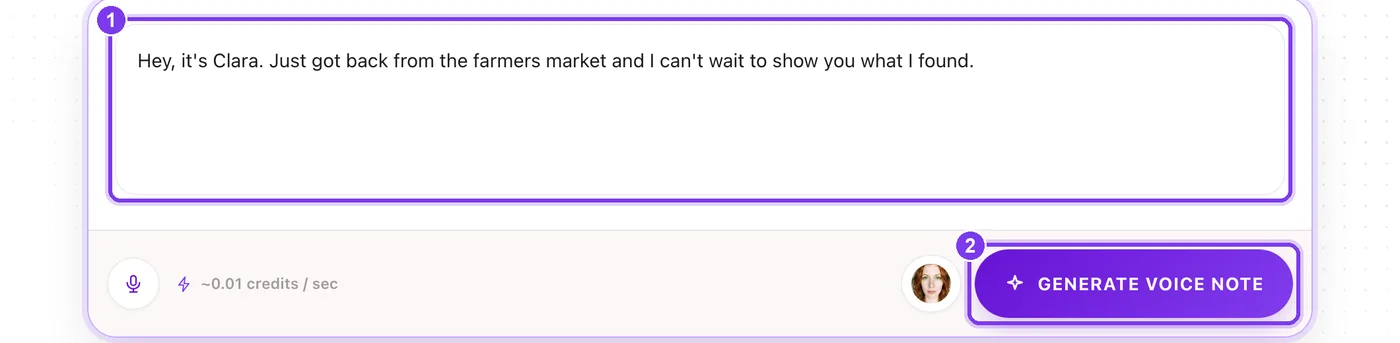
Type what they should say Type or paste the words into the box. Write it the way people talk, with short sentences.In the app. The words to say (1) and Generate voice note (2).
Generate Press Generate voice note. It stays off until a character is picked and there's text in the box.
Voice notes cost 0.01 credits per second of audio, with a 0.05 credit minimum, so a 15-second note costs about 0.15 credits. Voice notes are part of the paid plans, including Pay As You Go.
You can also ask Agent for a Voice note: it writes the words in your character's voice and shows them before anything is made.
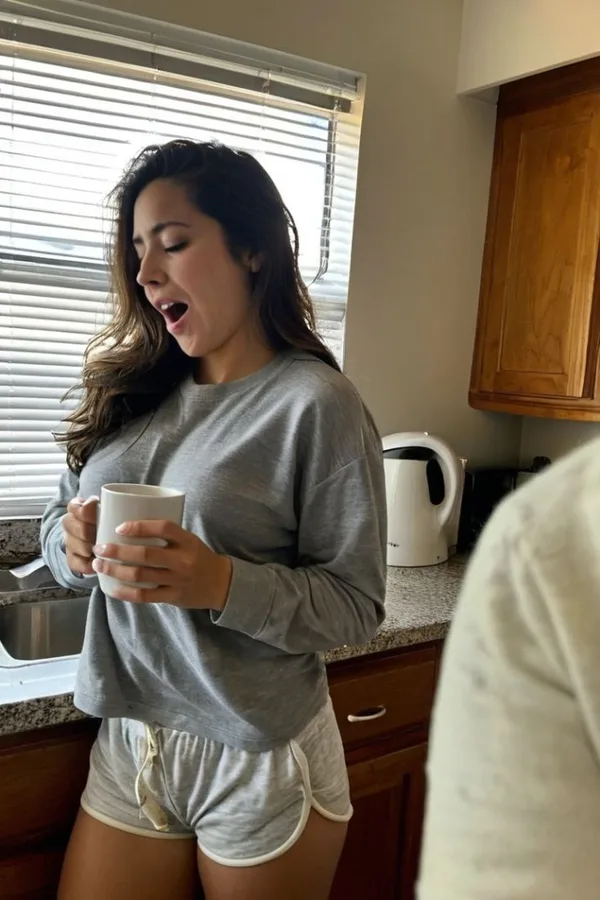
Made in Sozee. A character made in Sozee. Give them a saved voice and they can send voice notes too.
Writing words that sound right
Short sentences. They're easier to say naturally.
Contractions. “I'm” and “can't” sound like a person. “I am” and “cannot” sound like a letter.
Spell out tricky names the way they're said if they come out wrong.
Read it out loud first. If it sounds stiff from you, it will sound stiff from the voice.
How to make an AI influencer — How to make an AI influencer in Sozee: plan the persona, create a consistent character, make a first photo set, then post and grow on social.
How Sozee credits work — How Sozee credits work: what AI photos, videos, edits and voice cost, Pay As You Go versus a plan, and how to make credits go further.
AI UGC videos: make UGC with your character — Make AI UGC videos in Sozee: pick a format, write a brief, approve the script and render a talking-to-camera video of your character, with captions.