How to write prompts in Sozee
You've created your character, and now it's time to put your ideas into words. This guide takes you from your first simple prompt to detailed prompts that give you real control over your photos and videos.
Create · 9 min read · Updated 2026-11-11
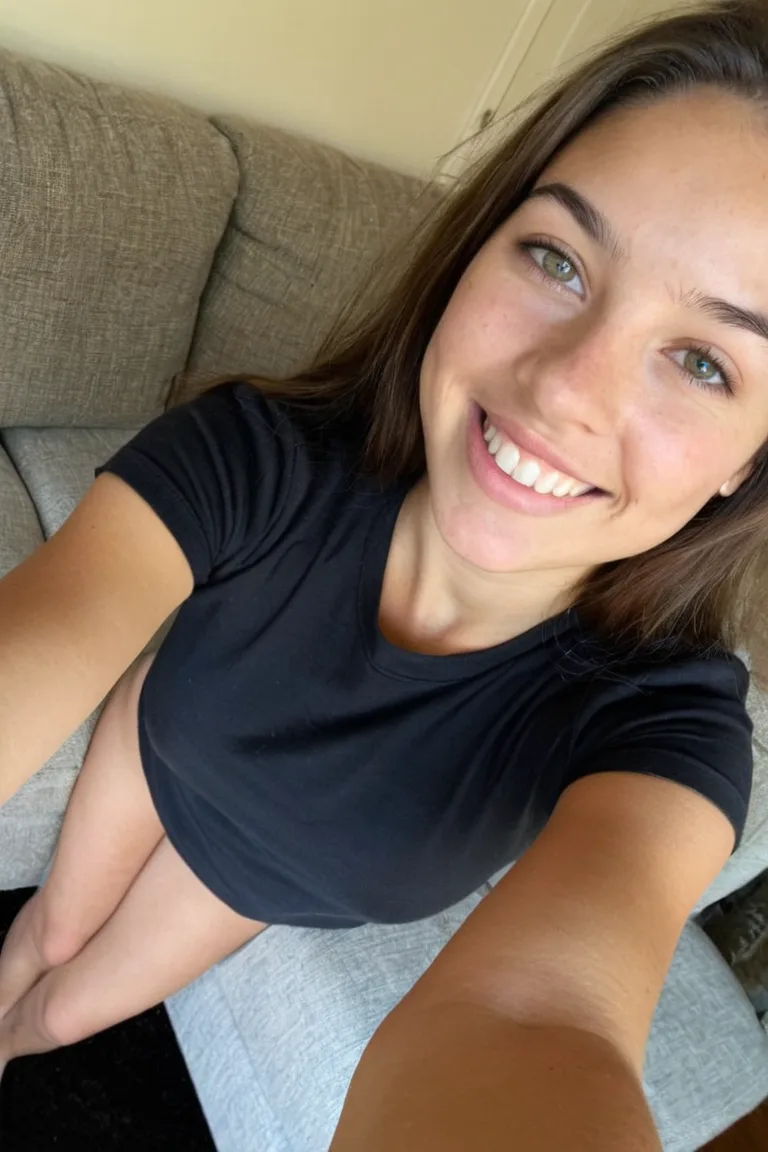
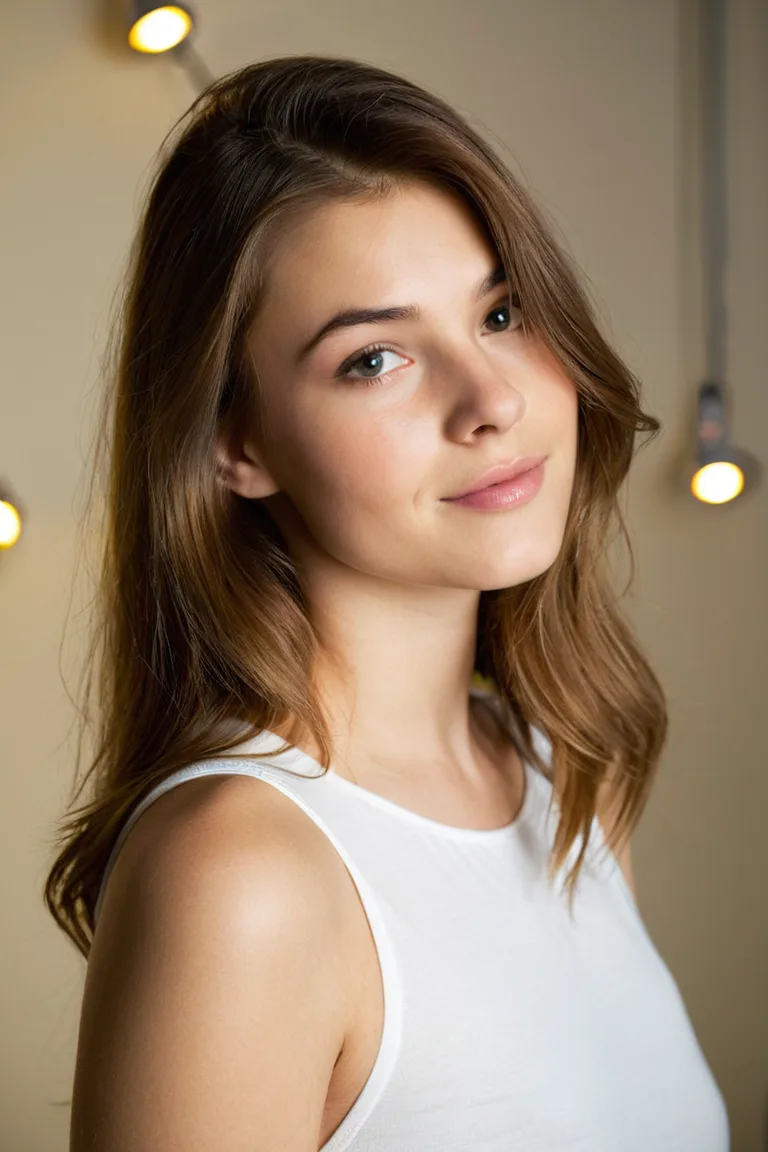
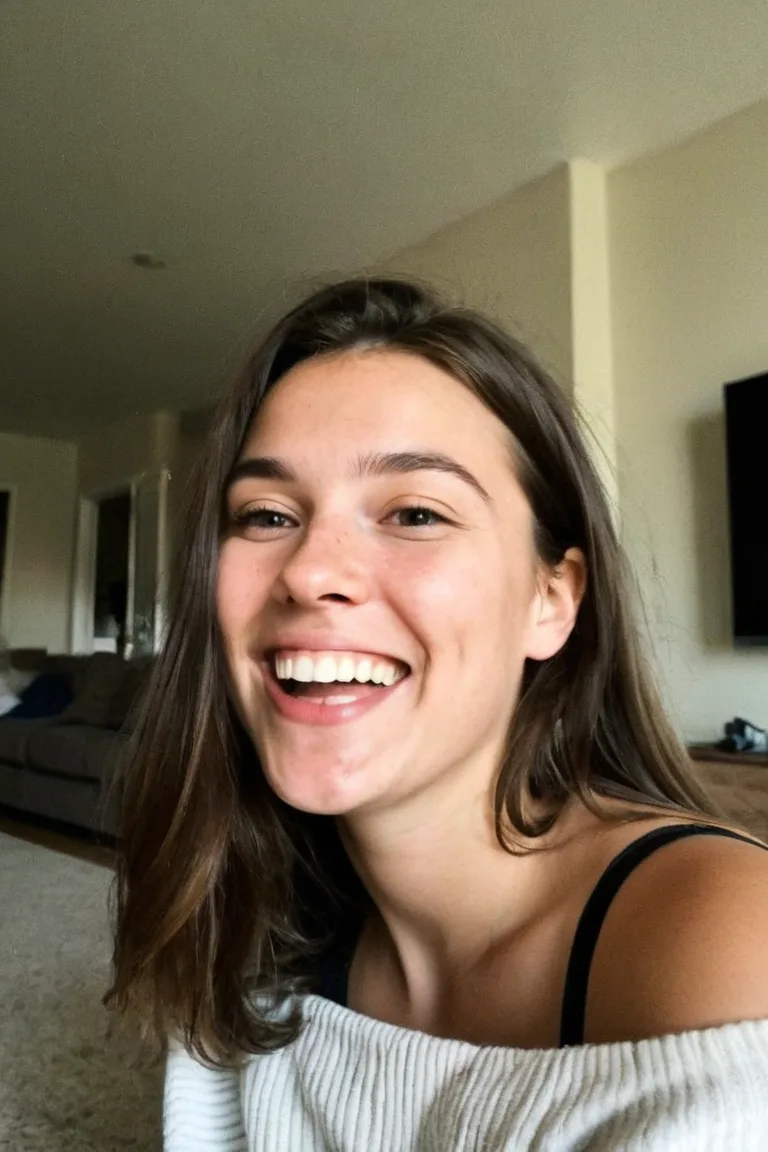
What you'll learn
- Quick-start recipes for good images fast
- The structure of a detailed prompt
- How to refine a prompt one change at a time
- Prompts for selfies, settings, clothing and shots from behind
Quick start: simple prompt recipes
Not sure where to start? Pick your character in Image mode, then copy, paste and adjust one of these recipes. Write in plain, natural sentences: that's what Sozee understands best.
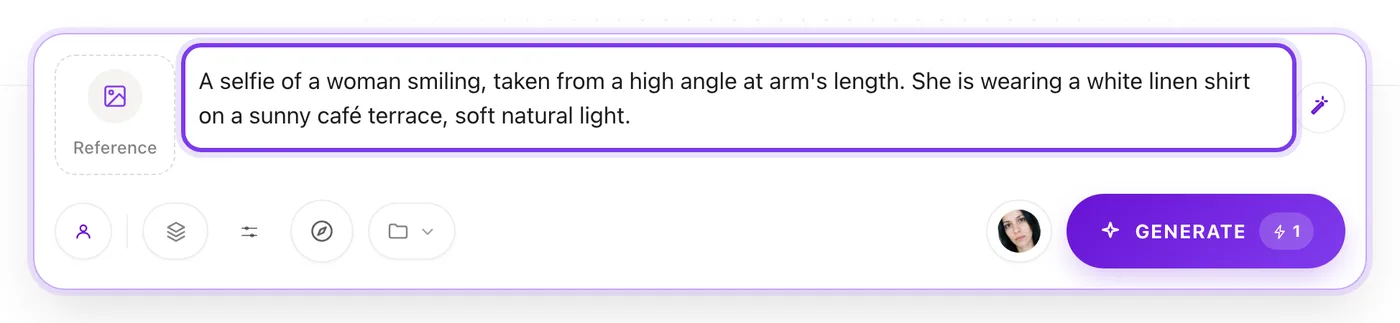
The classic selfie. For social media content.
A selfie of a woman smiling, taken from a high angle at arm's length. She is outdoors on a sunny day, with a soft, blurred background of green trees and a blue sky.The mirror selfie. Good for outfit showcases.
A mirror selfie of a woman standing in a modern bathroom, holding a smartphone. Her reflection is in sharp focus in a clean mirror.The beach portrait. Holiday mood.
A full body photo of a woman walking on a sandy beach at golden hour. She is wearing a flowing white sundress. Ocean waves roll in behind her.The cosy indoor shot. Warm lifestyle content.
A woman sitting on a comfortable sofa in a cosy, sunlit living room. She is wearing a soft knit sweater and reading a book.The city mood. Urban and moody.
A woman on a wet cobblestone street, lit by the soft, diffuse, overcast daylight of a rainy day. The background is blurred, showing a wet street and a white SUV.The structure of a detailed prompt
For more control, build your prompt in this order, moving from the subject to the finishing touches.
Subject + action and expression + clothing and objects + setting + light and camera
| Part | What it does | Example |
|---|---|---|
| Subject | Who the image is about. | A woman in her twenties. |
| Action and expression | What they're doing and feeling. | Holding a coffee cup, laughing at something off camera. |
| Clothing and objects | The garments and the items around them, in detail. | Wearing an oversized cream cardigan and gold hoop earrings. |
| Setting | The place, and the details that make it feel real. | In a small café with plants in the window and a marble counter. |
| Light and camera | How the photo is lit and framed. | Soft morning window light, a close-up taken at eye level. |
Refining your prompt
Setting the mood
Before the details, you can steer Sozee with words that describe a feeling. Adjectives are a shortcut to a mood.
- A playful, candid photo
- A serene and peaceful mood
- A professional and confident headshot
- A cosy, nostalgic feel
Then back the mood up with details that create it. For “cosy”, add “warm lamp light”, “a knitted blanket” and “rain on the window”.
Making a detail stronger
Sozee reads your prompt as ordinary language, so there's no special syntax to learn. To make something stand out, be more specific about it, mention it early and describe it more vividly.
Plain
A woman with red hair.
Stronger
A woman with long, vivid copper-red hair falling over one shoulder.
Refining your image through iteration
Your first image is often a starting point. The way to the result you want is to refine your prompt.
- Look at your image What works, and what doesn't?
- Keep what works Change only the part that doesn't.
- Be more specific Add detail to the thing you want more of.
- Swap one idea at a time Change a single concept, so you can see what made the difference.
| If | Try |
|---|---|
| The dress isn't red enough | “a bright scarlet red dress” |
| The smile is too strong | “a soft, closed-mouth smile” |
| You want a different colour | Swap the colour: “a navy blue dress” |
Prompts for specific scenarios
Detailed settings
Think like a location scout. Describe the condition, the atmosphere and the details.
Not this
A woman on a street.
Try this
A woman on a wet cobblestone street, lit by soft, diffuse, overcast daylight of a rainy day. The background is blurred, showing a wet street and a white SUV.
Made in Sozee.
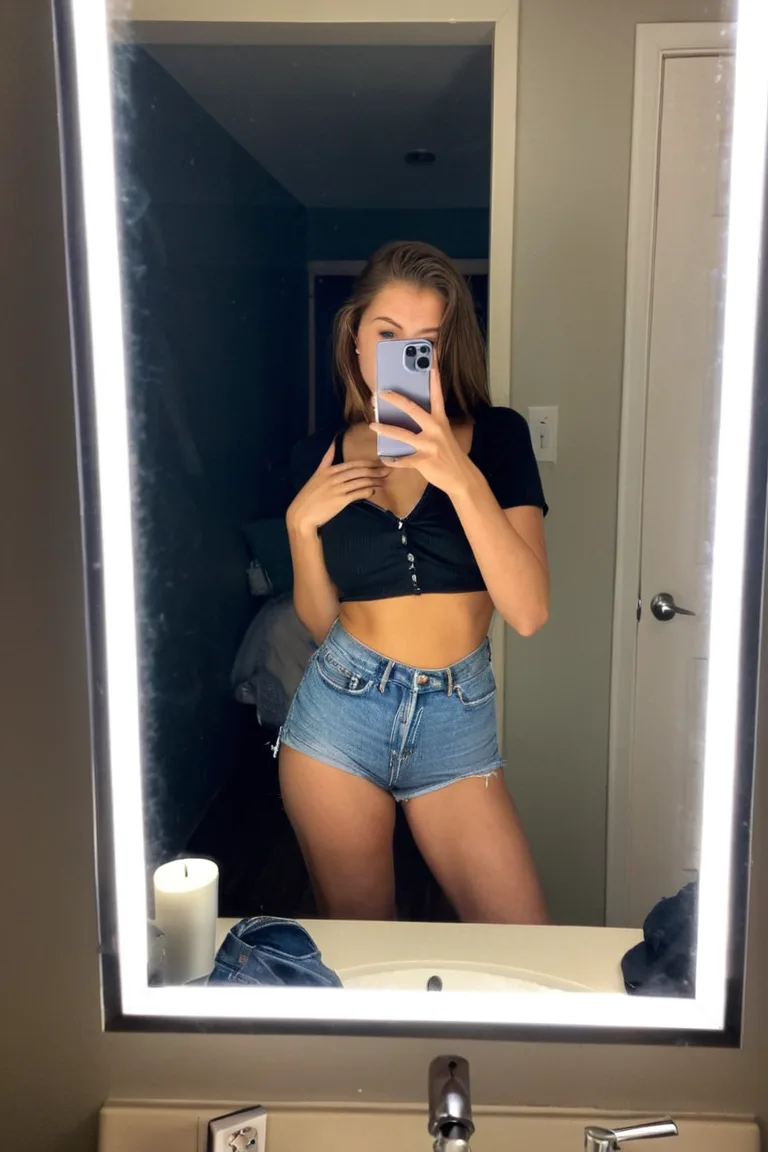
Selfies and mirror selfies
Specific wording gets these popular shots right.
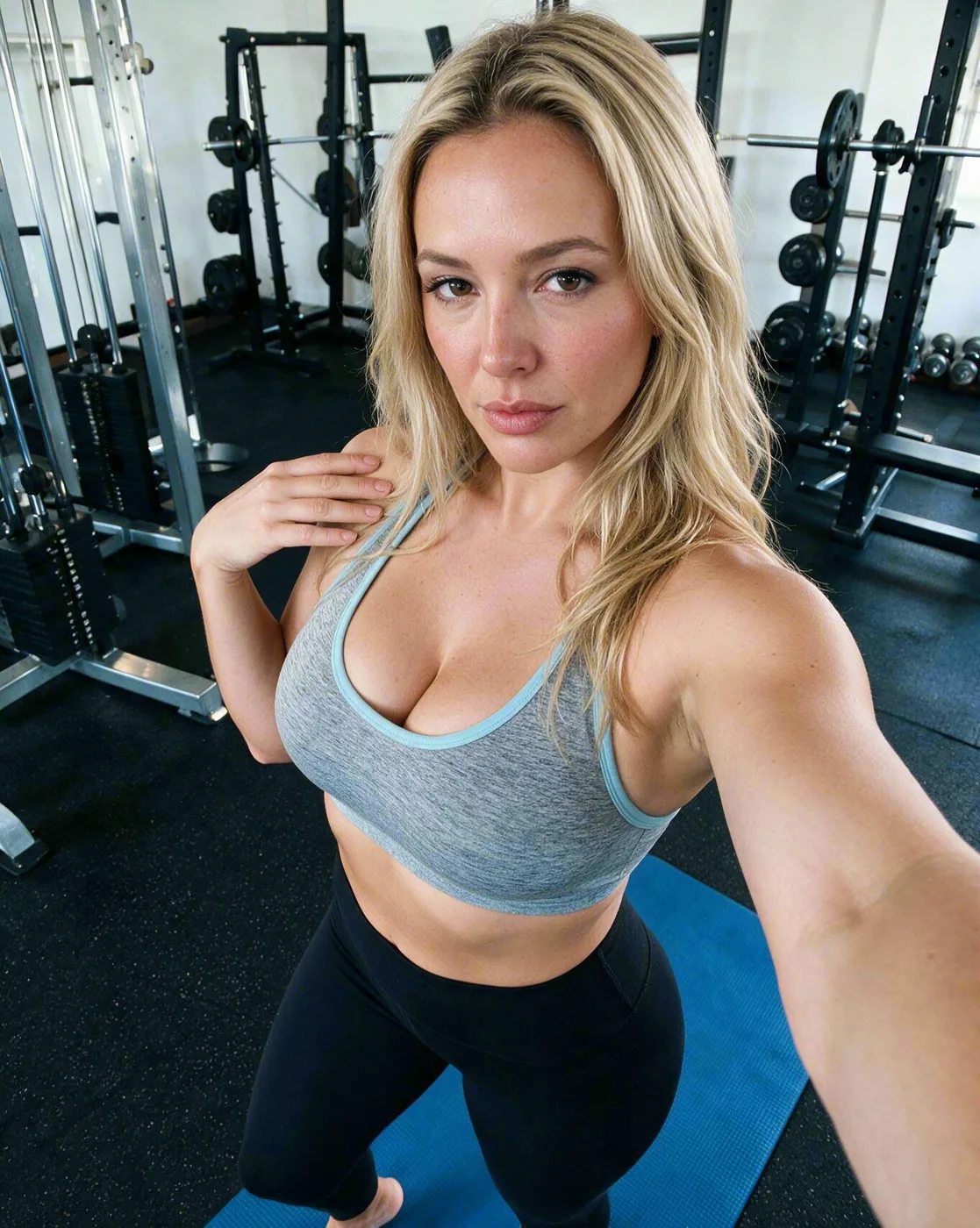
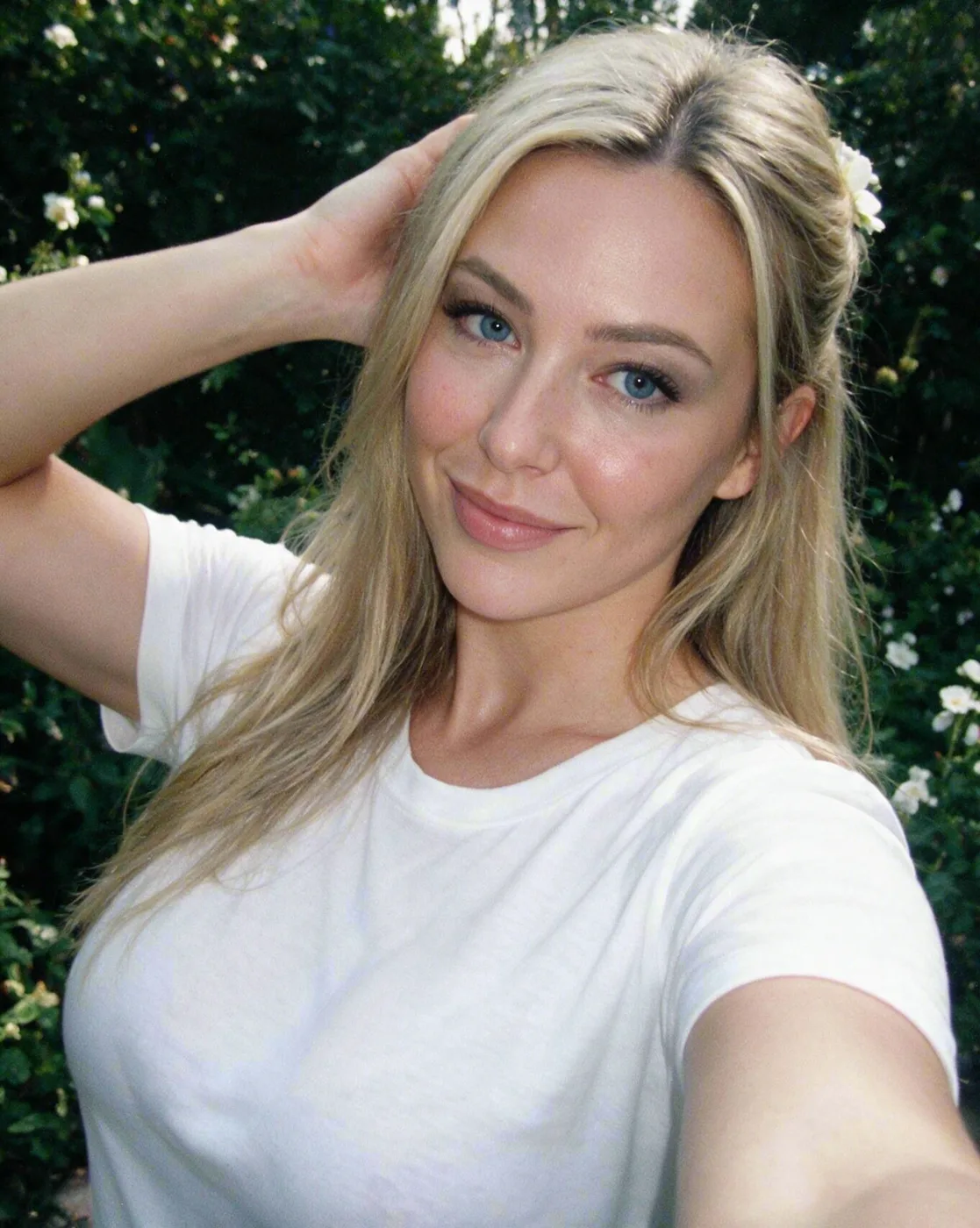
- Selfies: “a selfie”, “taken from a high angle”, “at arm's length”.
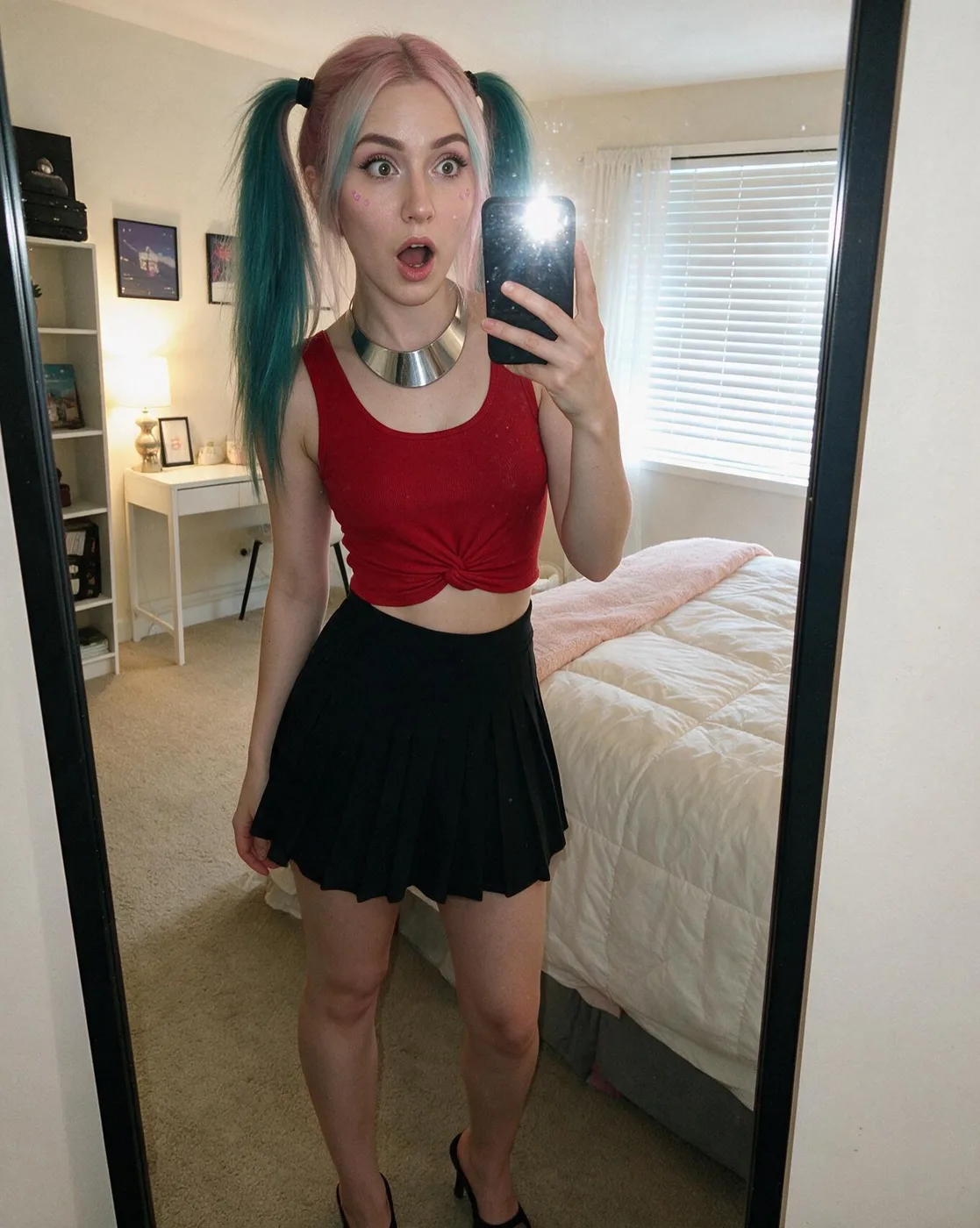
- Mirror selfies: “a mirror selfie”, “seen in the reflection”, “holding a smartphone”.
Made in Sozee.
Shots from behind
A popular, artistic angle. Be direct in your wording.
- Key phrases: “from behind”, “a view from the back”, “seen from behind”.
- Moving poses: “looking over her shoulder”, “walking away from the camera”.
Shot from behind
A full body photo of a woman, seen from behind, walking through a field of tall grass at sunset.Controlling clothing and objects
Describe the outfit
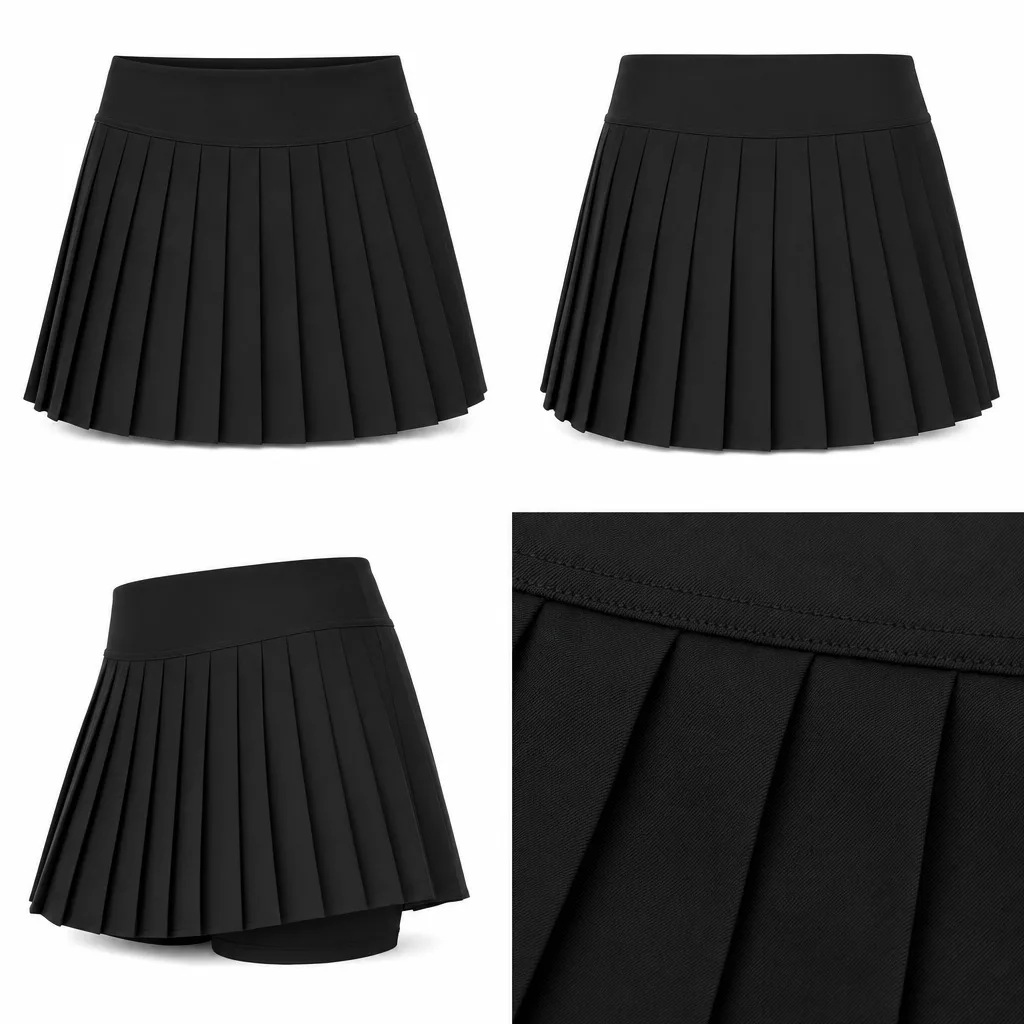
The best way to control clothing is to describe it. Saying what is there works much better than saying what isn't.
Not this
A woman, fully clothed.
Try this
A woman wearing a black turtleneck sweater and blue jeans.
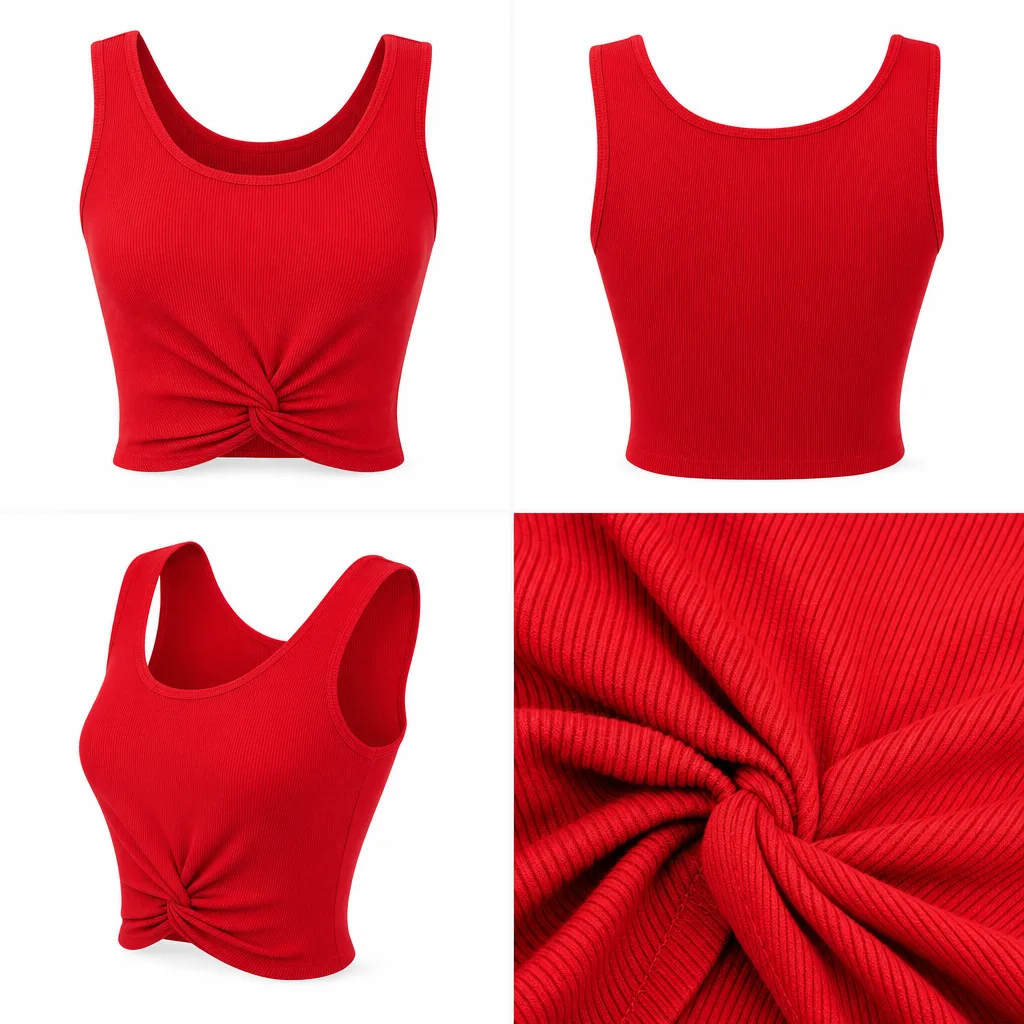
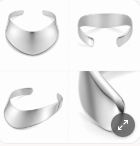
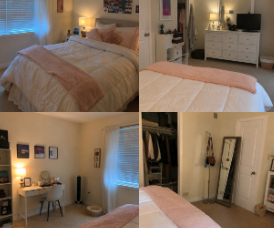
You can also pick an outfit, a setting or a product from your saved libraries instead of describing them, so they look exactly as you saved them.
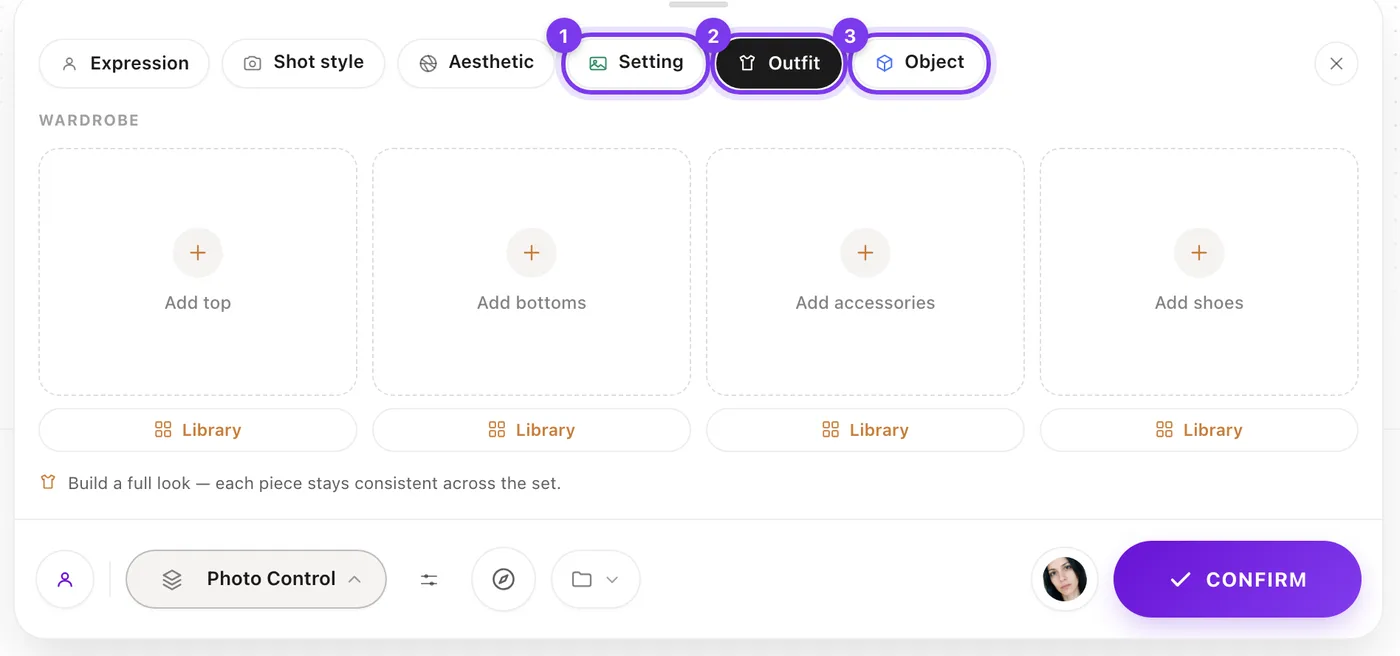
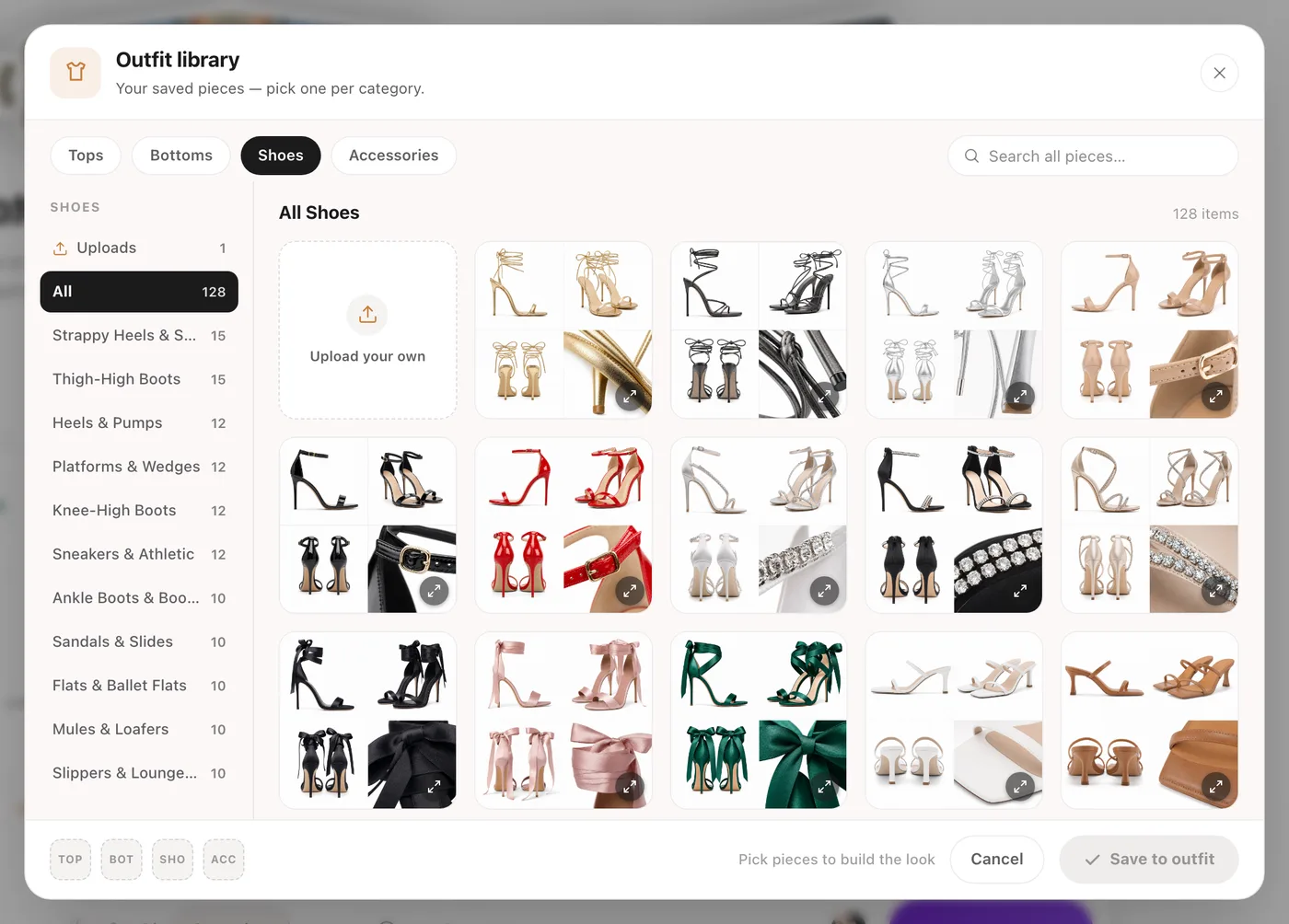
Made in Sozee.
Keeping unwanted objects out
Describe the scene you want, including where things are. A clear description of the frame works better than a list of things to leave out.
Not this
A mirror selfie of a woman in a bathroom, no phone.
Try this
A woman standing in front of a bathroom mirror with both hands resting on the marble counter, her reflection in sharp focus.
If something still appears, remove it afterwards with Comment Edits or In-paint rather than generating again.
Good prompts, taken apart
Example 1: the lifestyle shot
Prompt
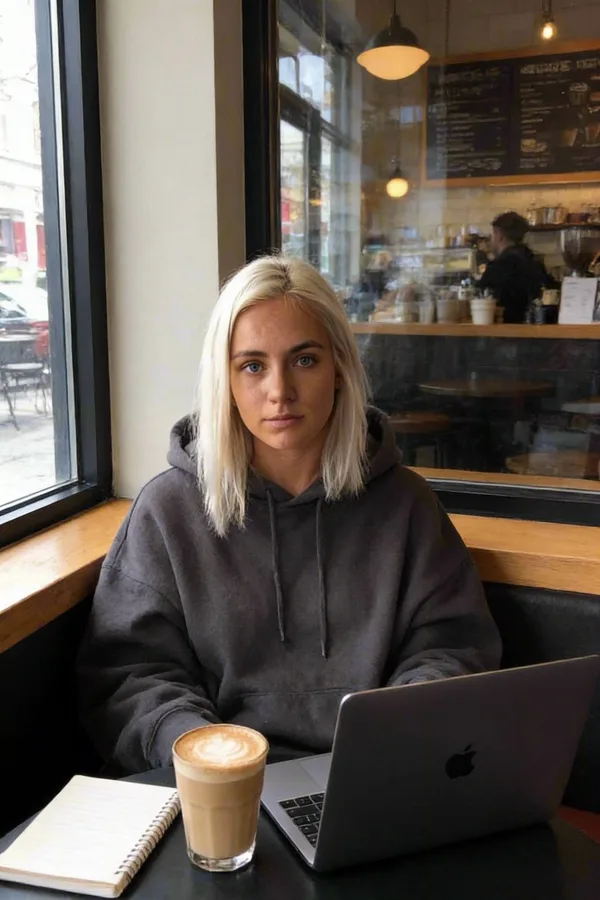
A woman sitting at a small café table by the window, holding a cappuccino with both hands and smiling at someone off camera. She is wearing an oversized cream cardigan. Soft morning light comes through the window, and the street outside is softly blurred.Why it works: it covers the action, the expression, the outfit, the setting and the light, in plain sentences, with nothing left to guess.
Example 2: precise clothing control
Prompt
A full body photo of a woman with a slender, athletic build. She is wearing a fitted black blazer, a white silk top and wide-leg trousers. She is standing in a bright, modern office with floor-to-ceiling windows.Why it works: each garment is named with its colour and cut, so there's no room for the outfit to drift.
With these techniques you can steer Sozee to the images you have in mind. Experiment and enjoy it. Start creating
Related guides
- Reference photos: copy any pose — Use a reference photo to copy any pose with your AI character in Sozee: what makes a good reference, how to attach it and how to get the closest match.
- Getting started with Sozee — Start making AI photos and videos of your own character in Sozee: create the character, pick a mode, choose quality and make your first set.
- Editing tools: fix your images in post — Use Sozee's AI photo editor to fix images instead of starting over: inpaint one area, change an expression or color, and upscale to 4K.