An AI character in Sozee is a person you design from traits, with no photos needed. You pick the look, Sozee generates their face and body, and from then on every photo and video of them shows the same person.
Create · 6 min read · Updated 2026-11-11
What you'll learn
How to design an AI character from traits
How the face and body shots are made
How to change a trait later
How to keep the face the same in every photo
How it works
Most image tools make a new stranger every time. Sozee saves your character's face and body as references, so every photo and video you make with that character shows the same person in a new scene.
Made in Sozee.
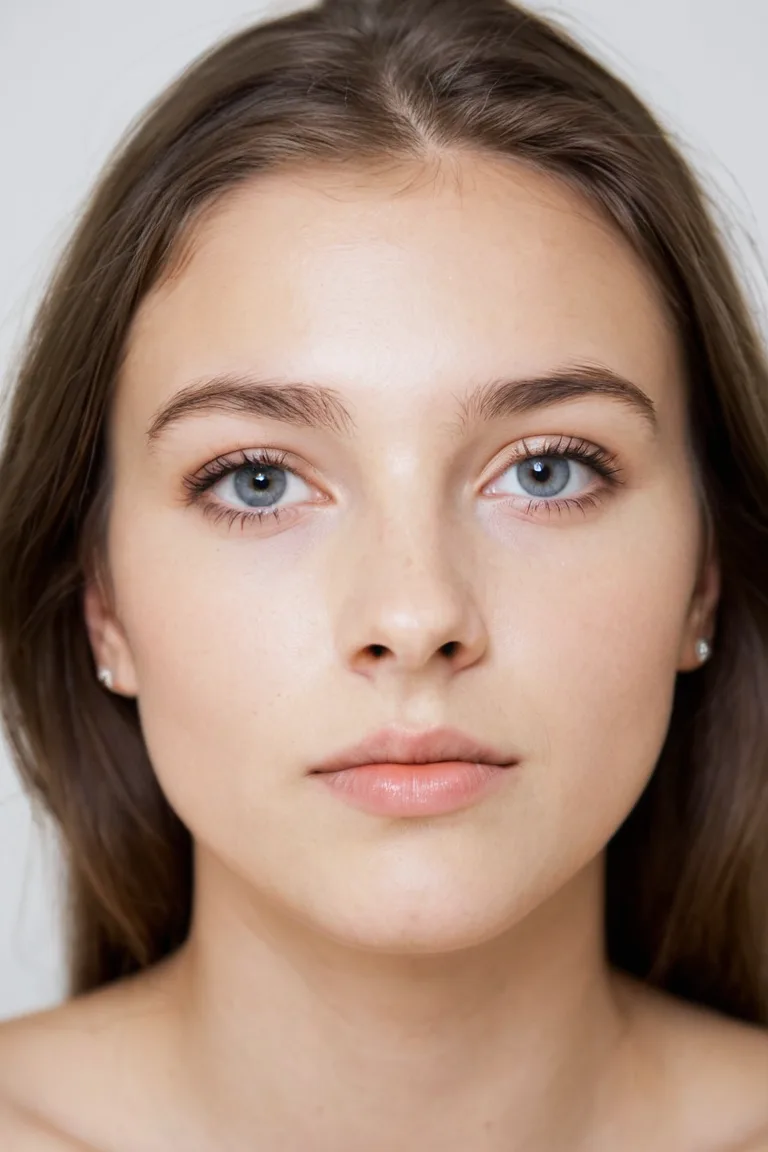
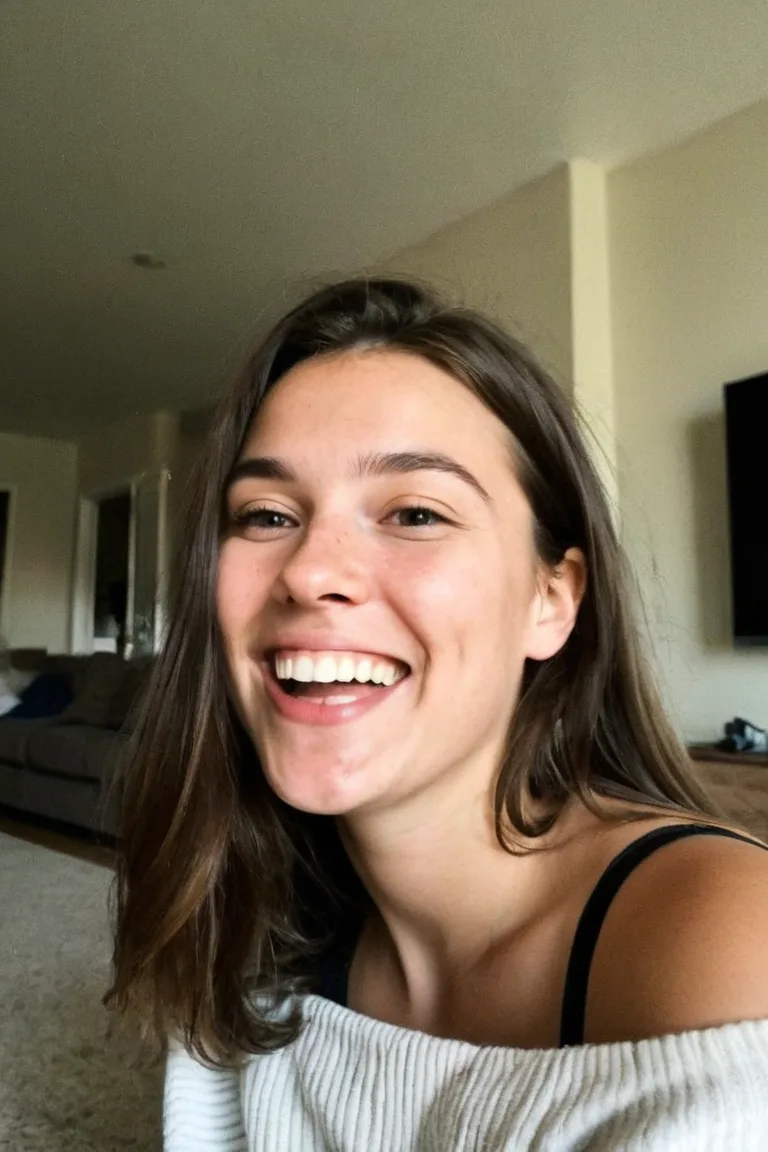
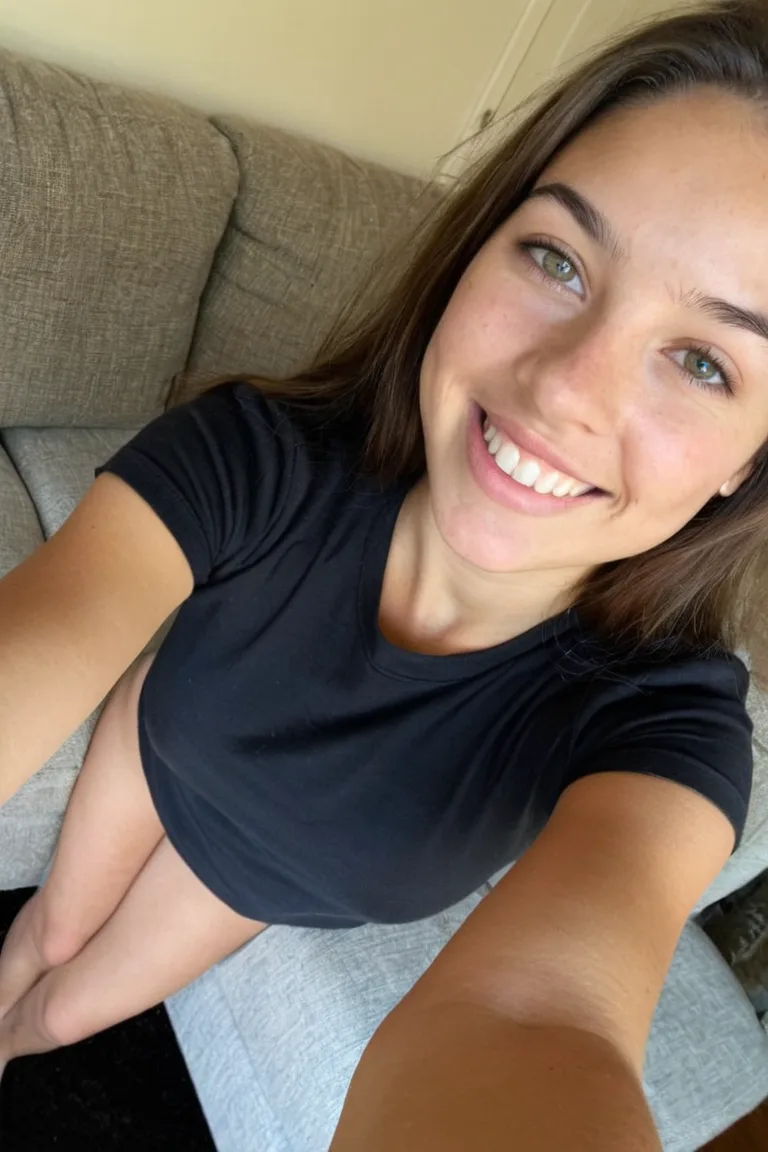
PortraitCandidSelfie
One character in three shot styles, made in Sozee. Same face each time.
Design your character
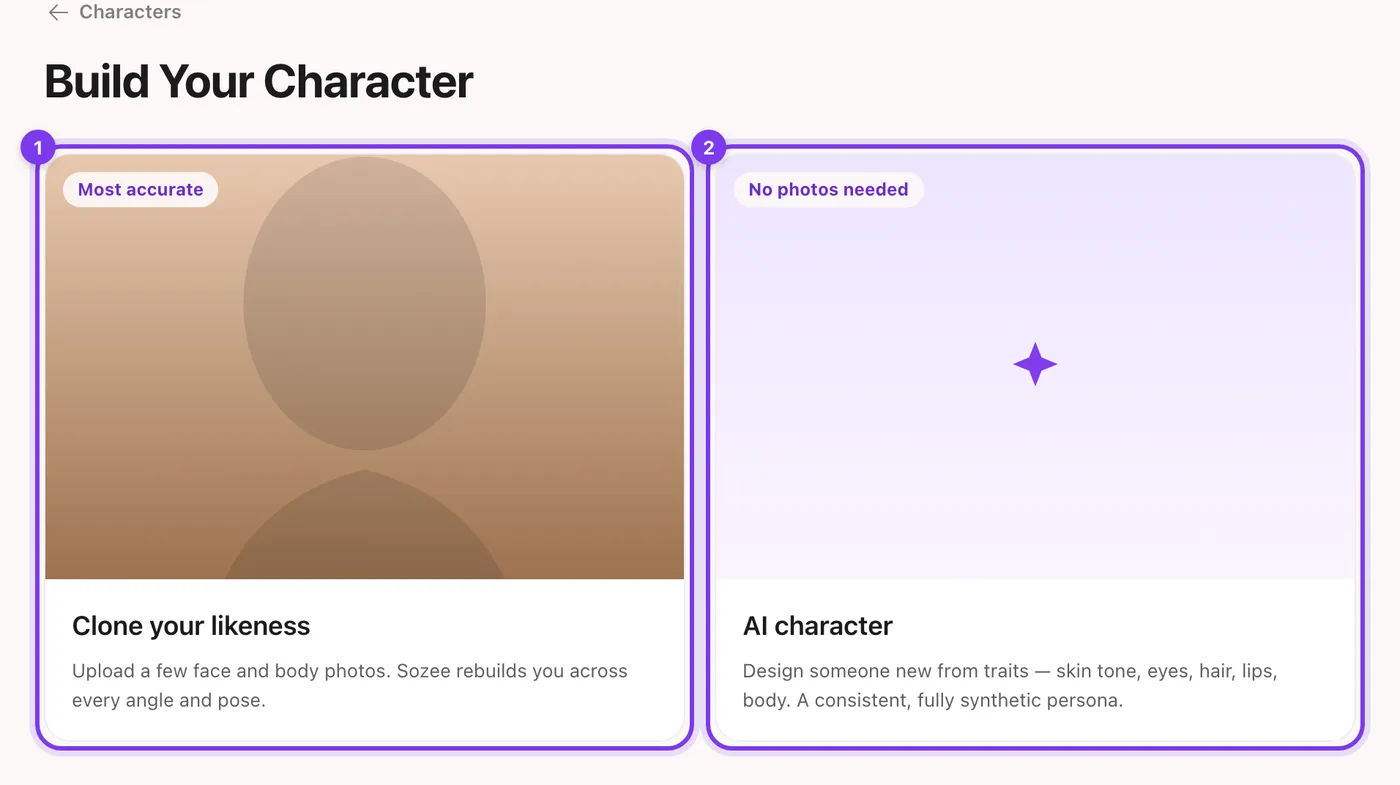
Start a new character Go to Characters and start a new character. Choose AI character (no photos needed) and press Continue.In the app.AI character is the second choice (2).
Name them Type a name under Name your character and press Create & configure.
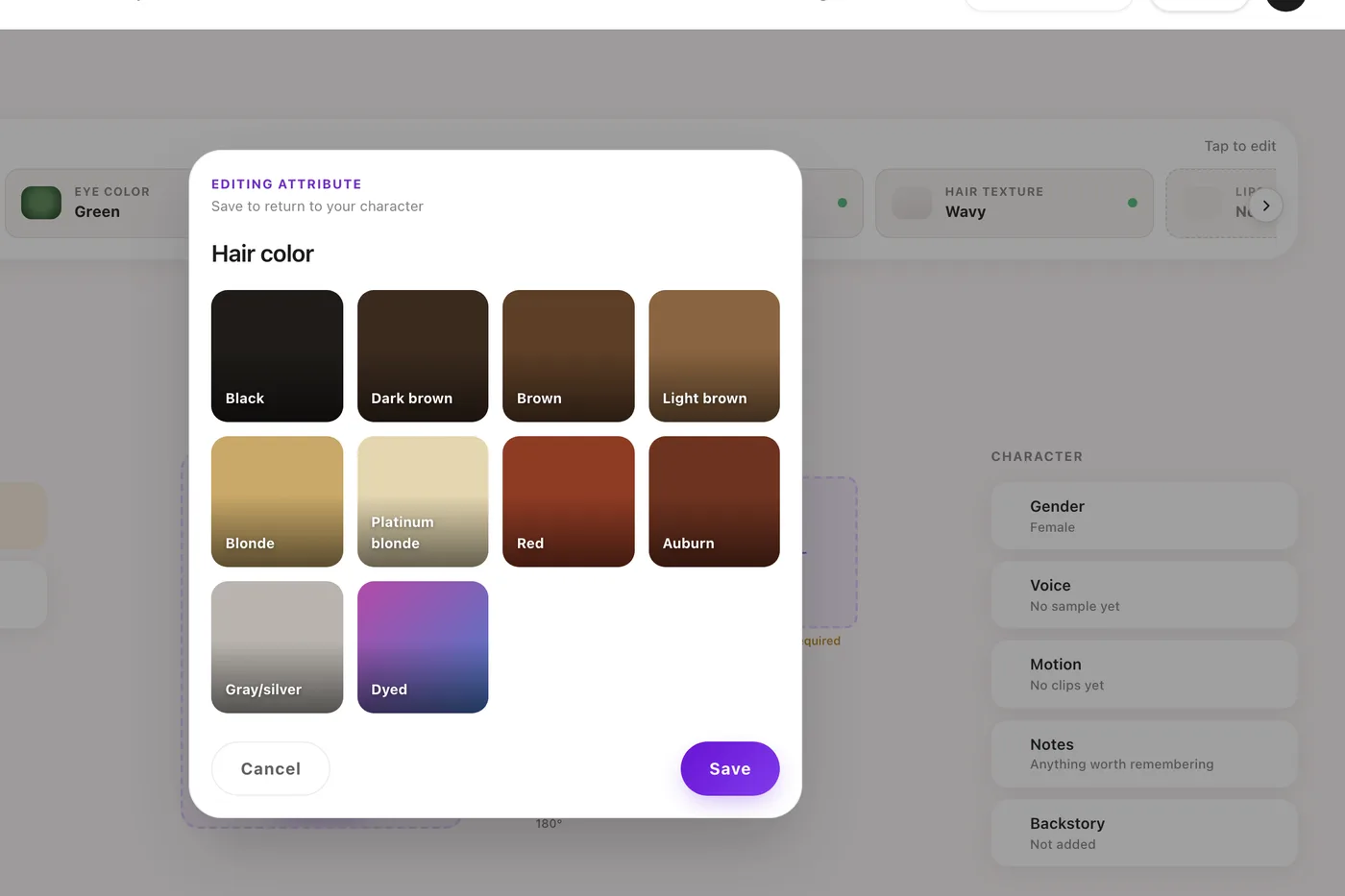
Pick the traits Choose one trait per screen: skin tone, eye color, hair color, hair length, hair texture, lips and the body traits. Each screen shows the options as pictures.
Add details Use Additional details for anything the traits don't cover.
Generate the character Review your choices and press Generate character. Sozee makes the front face and the front and back body shots for you.
The face and body shots
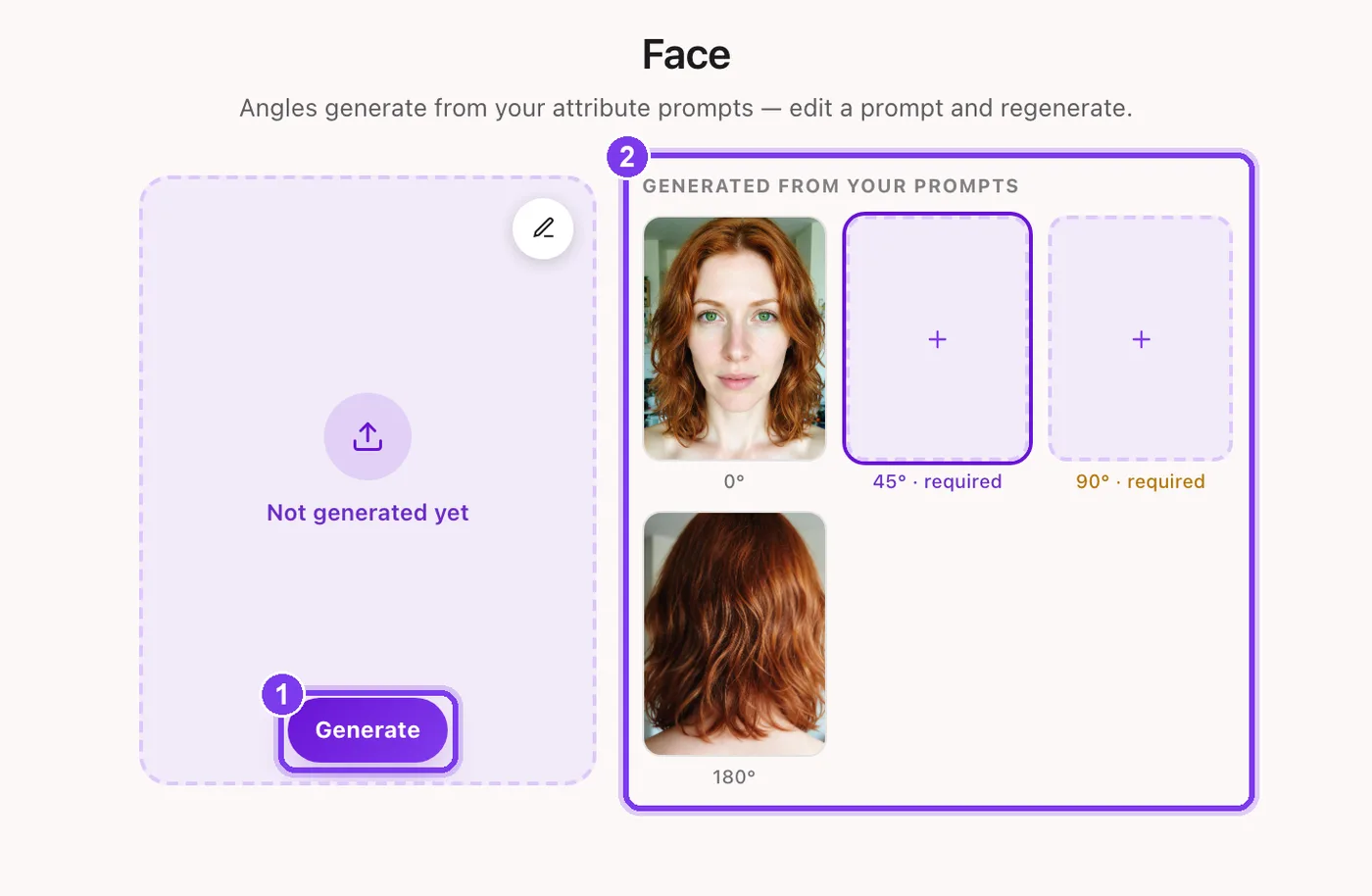
Once the character exists, its settings page shows the shots that define it. Face has four angles (0°, 45°, 90° and 180°) and Body has front, back, left side and right side. The front and back body are required; the side views are optional.
In the app.Generate (1) makes a shot. The angles (2) come from your trait prompts.
Generate or Regenerate a tile to make that shot again.
Each shot is made from a prompt built from your traits. Open the pencil on a tile to edit the prompt, then Save & generate.
A character photo costs 1 credit, so a face and two body shots cost about 3 credits in all. See how credits work.
Change a trait later
The traits you picked sit in a strip at the top of the settings page, under Chosen in setup. Tap one to change it: pick the new option and press Save.
In the app. Changing a trait: pick the new option, then Save.
Keep the same face in every photo
Always pick the character from the character button. No character makes a stranger.
Don't describe the face in prompts. The character already carries it. Describing eye color or face shape again can fight the references.
Describe the scene, the outfit and the light instead. See the prompting guide.
Use references for poses. A reference photo copies the pose and keeps your character's face.
Keep the backstory filled in. Ideas and captions from the Sozee assistant follow it. See how to make an AI influencer.
Questions people ask
Is an AI character the same as an AI model generator?
It does the same job: it creates a model, a person who doesn't exist, and lets you shoot them in any scene. The difference is that the model stays the same between photos.
How to make an AI influencer — How to make an AI influencer in Sozee: plan the persona, create a consistent character, make a first photo set, then post and grow on social.
How to choose photos to train your AI character — How to create an AI model of yourself: which face and body photos to upload, what to avoid, and how Sozee builds a consistent character from them.
How to write prompts in Sozee — How to write AI image prompts that work: copy-ready AI photo prompts, the structure of a strong prompt, and examples for selfies, outfits and settings.