Why didn't it come out right?
Most results that miss come down to a handful of causes: a prompt asking for too much, photos that teach the wrong thing, or the wrong tool for the job. Here is how to spot each one and what to do instead, plus when to fix a result rather than make it again.
Create · 6 min read · Updated 2026-11-12
What you'll learn
- Why part of a prompt gets dropped, and how to write one that lands
- Why the face or body drifts, and how your photos fix it
- When to fix a result instead of making it again
- When to flag a result for review
It ignored part of my prompt
For a photo, the usual cause is asking for more than one moment can hold. A photo is a single frame, so pick one pose, one setting and one action, and put the most important part first.
For a video, a detailed prompt is good. A timeline that says what happens in each part of the clip helps Sozee follow the order. What gets dropped is a part that doesn't fit its time.
- Give each part of the timeline enough time. One or two actions per window, not five.
- Keep spoken lines short enough to say in that window. About two to three words per second of video.
- Name the clothing and the setting even in a long prompt, so they don't change halfway.
- Say what you want, not what you don't. "Plain white wall behind her" works better than "no clutter".
Don't do this
0-3s: she walks in, waves, sits down, orders a coffee and says a long line about her week while the camera circles the room.
Do this instead
0-3s: she walks into a sunny café and waves at the camera. 3-7s: she sits by the window and says "Best spot in town." 7-10s: she laughs and sips her coffee.
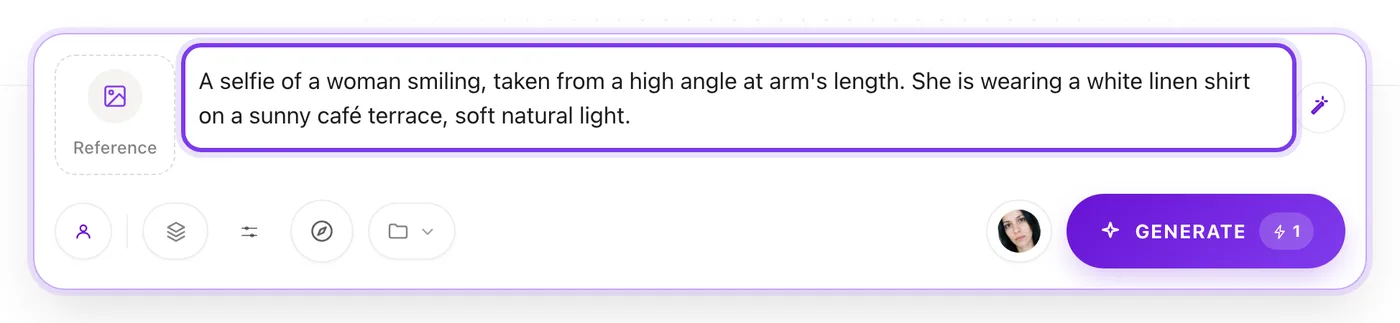
I can't edit my prompt
When a reference image is attached to a character photo, the reference decides the pose, outfit and scene, so the prompt box is set for you and says Prompt set by your reference image. Remove the image to write your own prompt again.
It works the other way too: writing "same pose as my reference" does nothing unless a reference image is actually attached. See reference photos.
The face, body or tattoos don't match
Your character's photos teach Sozee what they look like. Whatever the photos show is what comes back, so most likeness problems are fixed in the photos, not the prompt.
- Face looks like someone else. Use one clear, front-facing face photo in good light, with nothing covering the face. See how to choose your photos.
- Body is slimmer or curvier than you set. The body photos decide the shape, and they win over the saved body settings. Body words in your prompt only nudge it a little. Upload body photos that show the body you want. For an AI character, change the trait and make new body shots (how).
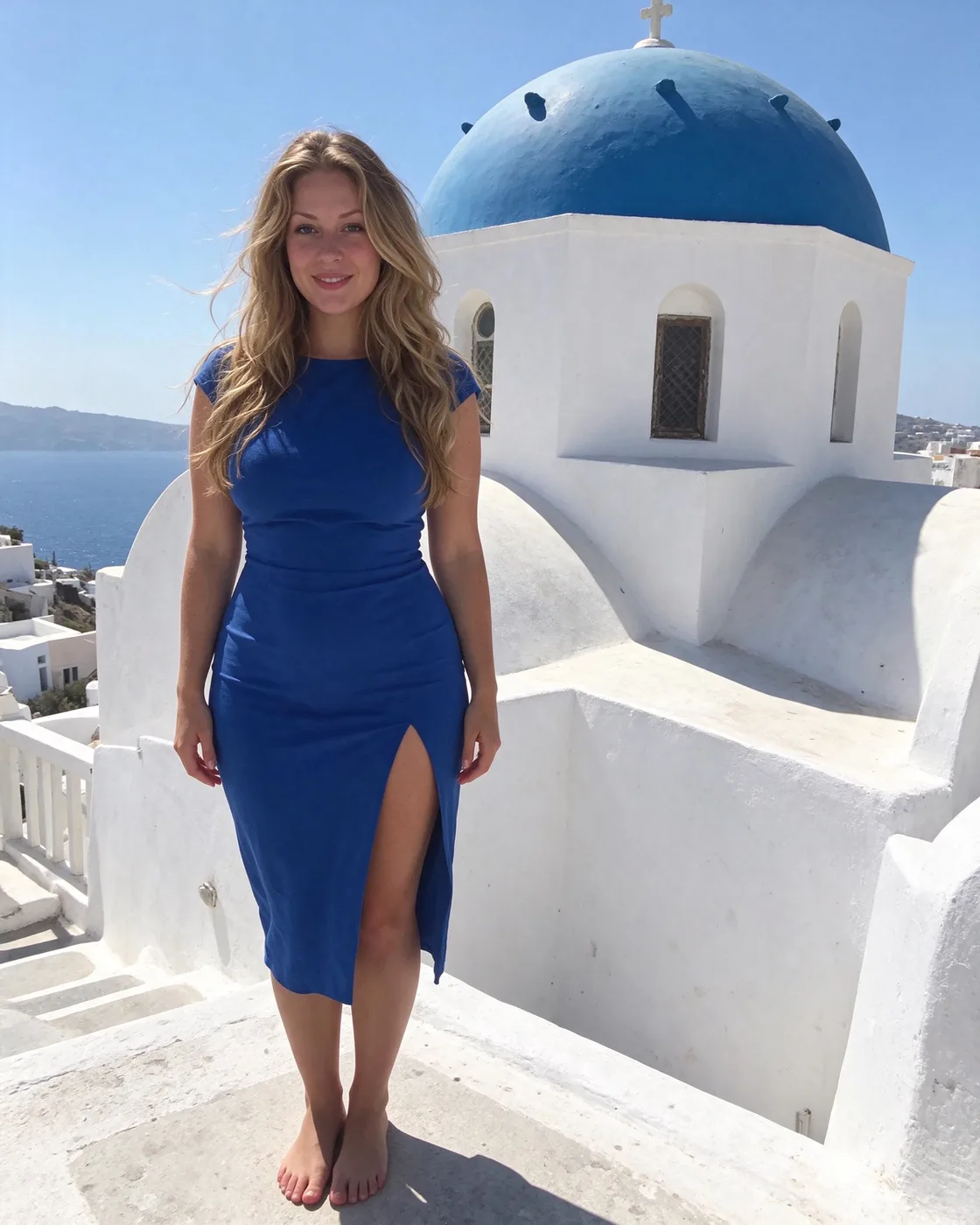
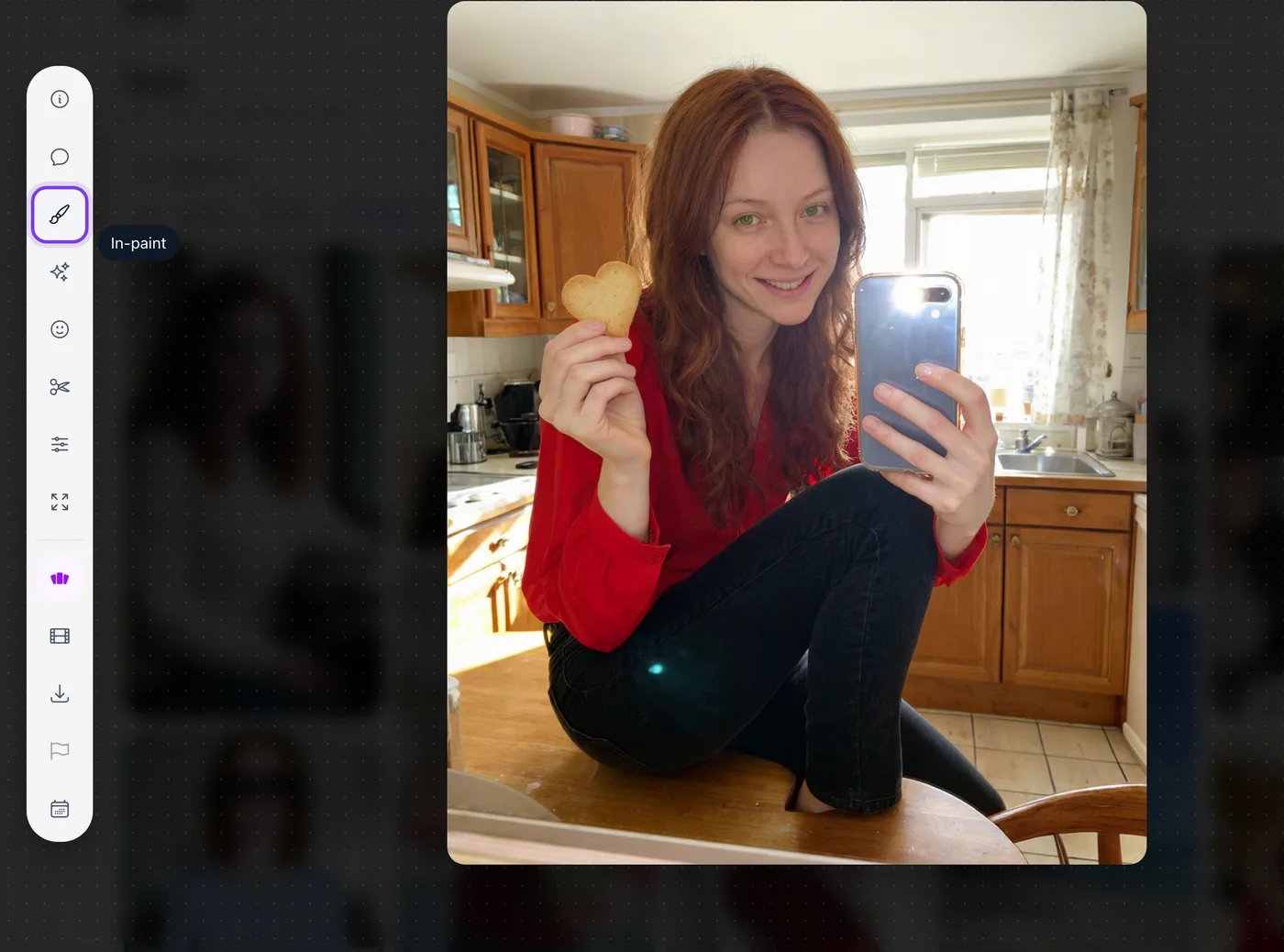
- Tattoos are missing, wrong or made up. Tattoos come from your character's photos. If a tattoo is half hidden, cut off at the edge or only shows from one side, Sozee guesses the rest. Use body shots that show every tattoo in full, front and back. To fix one on a single photo, use Comment Edits or In-paint.
The clothes came out wrong
If the prompt doesn't name the clothing, Sozee picks something, and that can be more or less than you had in mind. Name the outfit in plain words: "a white linen shirt and blue jeans" beats "casual".
- For an exact piece, pick it from the Outfit library instead of describing it.
- For a full outfit on one photo, use a reference image or Comment Edits with an outfit attached.
The video moves strangely
- Keep the motion simple. One person or two, one action, a steady camera. Busy scenes with lots of people and moves are where hands and bodies go wrong.
- Start from a good photo. In image to video, the starting photo sets everything. If the face or outfit is off there, it stays off in the video. See image to video.
- Fix a moment, keep the rest. Use Edit moments to redo just the seconds that went wrong.
Fix it instead of making it again
A result that's 90% right is worth fixing. Making it again costs the same credits and can change the parts you liked.
Made in Sozee.
| What's wrong | Use |
|---|---|
| A hand, an arm or a small spot | In-paint (guide) |
| A few things in different places | Comment Edits (guide) |
| The expression | Expression |
| A few seconds of a video | Edit moments (guide) |
| The video is too short | Extend |
When to flag a result
If something genuinely went wrong, such as a broken or blank result, or a result that has nothing to do with what you asked, open it and choose Flag this generation for review. Mark the spot or the moment that's wrong and say what happened. The team reviews it and the result shows whether your credits came back.
- Flag before you download. Downloaded results can't be flagged.
- There's a weekly limit on refund requests, so save them for real failures and fix the small things with the tools above.
- Failed generations that never finish are refunded automatically.
Related guides
- How to write prompts in Sozee — How to write AI image prompts that work: copy-ready AI photo prompts, the structure of a strong prompt, and examples for selfies, outfits and settings.
- Editing tools: fix your images in post — Use Sozee's AI photo editor to fix images instead of starting over: inpaint one area, change an expression or color, and upscale to 4K.
- How to choose photos to train your AI character — How to create an AI model of yourself: which face and body photos to upload, what to avoid, and how Sozee builds a consistent character from them.