Upscale makes a larger, sharper copy of a photo or video you've already made. Photos go to 2K or 4K, videos to 1080p, 2K or 4K, and the original always stays as it is.
Edit · 4 min read · Updated 2026-11-11
What you'll learn
How to upscale a photo to 2K or 4K
How to upscale a video to 1080p, 2K or 4K
What each option costs
When upscaling is worth it
When to upscale
Most social posts look great at the size Sozee makes them. Upscale when you need more pixels: a large display, a print, a crop that zooms in, or a video you made at 480p that's now a keeper.
Made in Sozee.
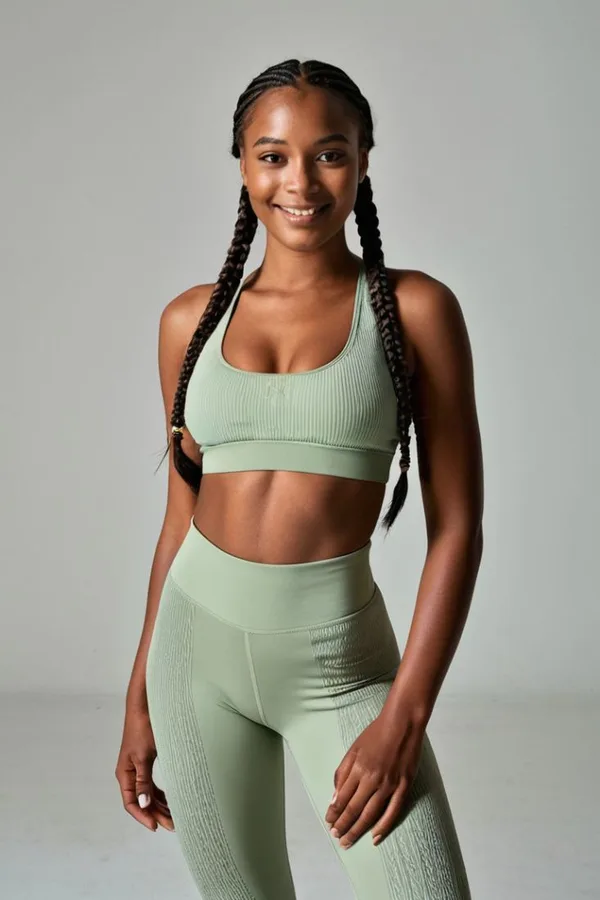
Studio portraitStudio portrait
Photos made in Sozee. Upscaling keeps the photo and adds detail at a larger size.
Upscale a photo
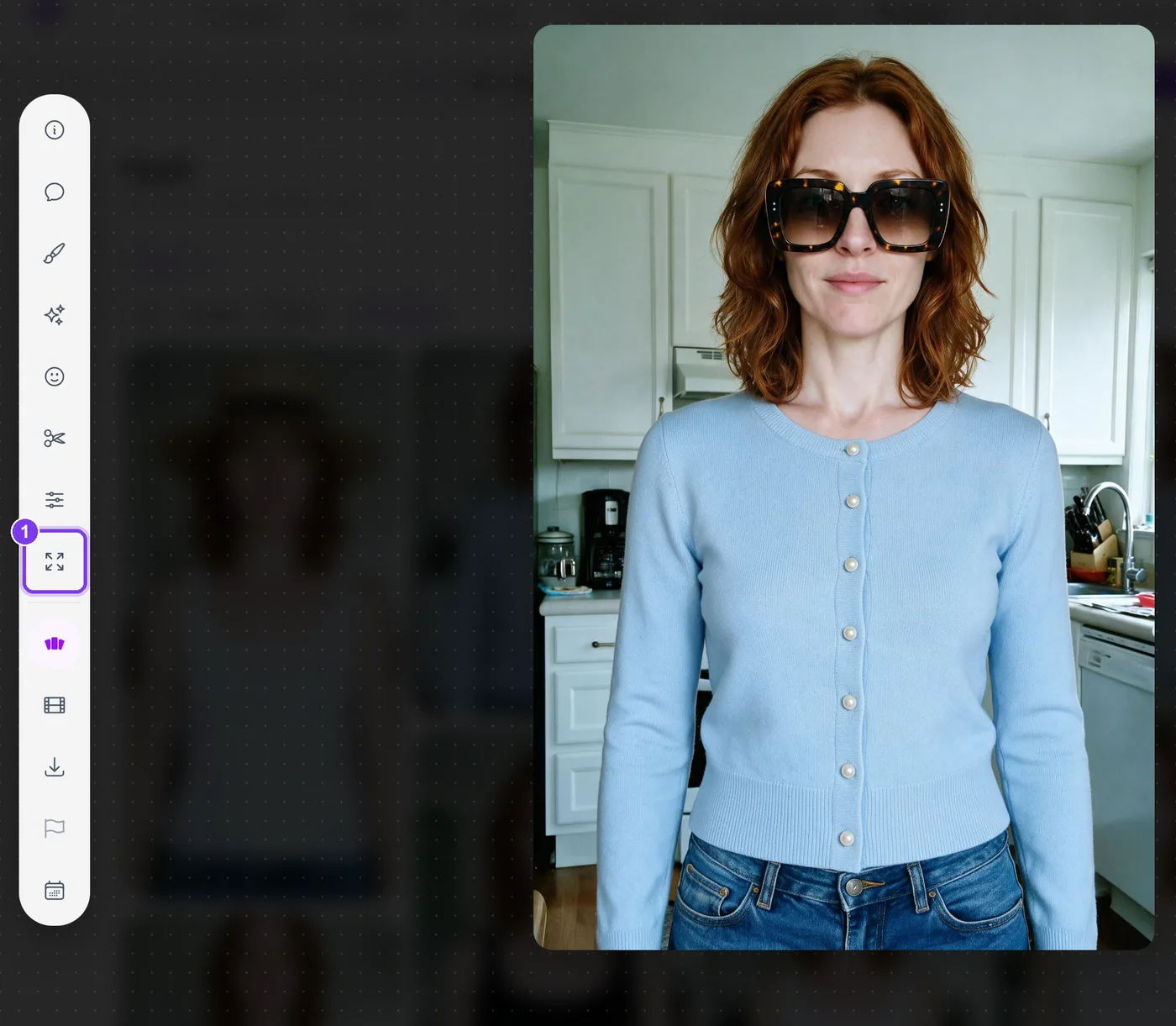
Open the photo Open it from the Create page or your Vault.
Choose Upscale Choose Upscale in the tool rail beside the photo.In the app.Upscale (1) in the tool rail beside an open photo.
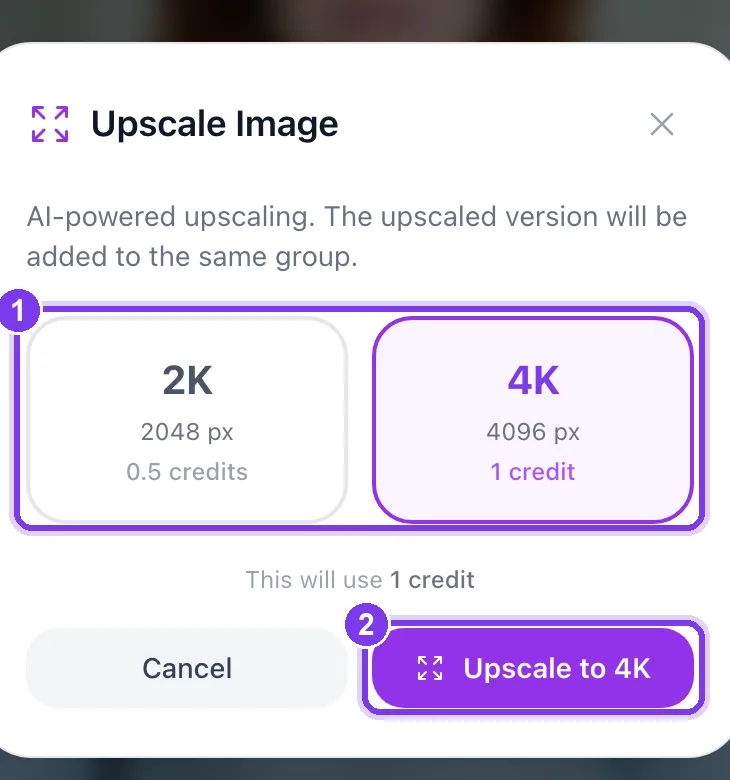
Pick 2K or 4K2K is 2048 px and costs 0.5 credits. 4K is 4096 px and costs 1 credit. The window shows what it will use.In the app. Pick a size (1), then Upscale to 4K or Upscale to 2K (2).
Find the new copy The upscaled photo is added to the same board. Your original stays untouched.
Upscale a video
Open the video Open a finished video from your Vault or the Create page.
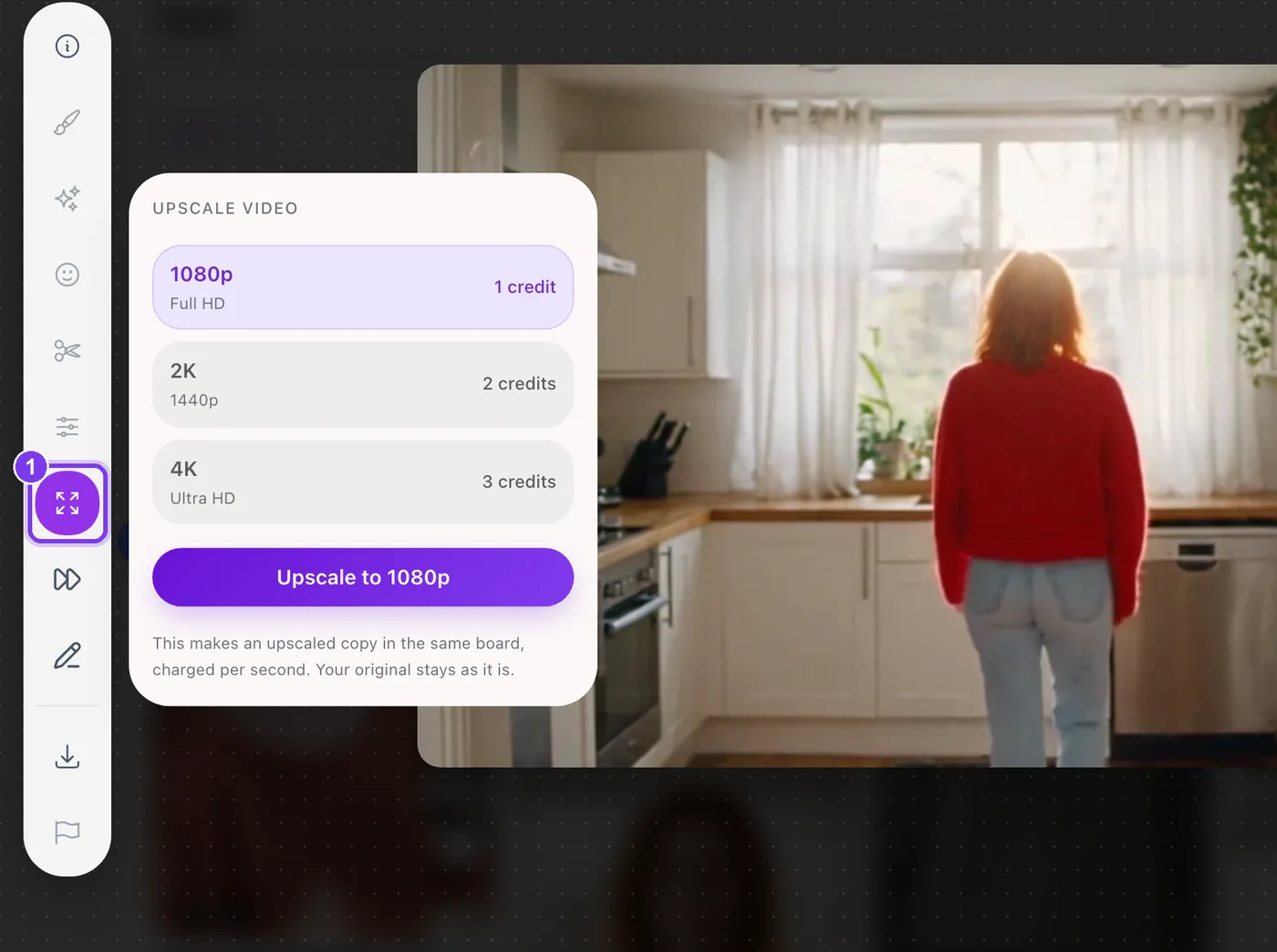
Choose Upscale in the tool rail The Upscale video panel opens with three options: 1080p (Full HD), 2K (1440p) and 4K (Ultra HD). Each shows its price in credits.In the app. The Upscale tool (1) opens the panel with each option and its price.
Press Upscale Choose an option and press Upscale to 1080p, Upscale to 2K or Upscale to 4K. The upscaled copy arrives in the same board, and your original stays as it is.
Video upscaling is charged per second, so a longer clip costs more. The exact price is on each option before you press anything.
An option you can't use says why, such as Already at this resolution or Too long for this resolution.
Cost and plans
Upscale
Cost
Photo to 2K
0.5 credits
Photo to 4K
1 credit
Video to 1080p, 2K or 4K
Charged per second; the price shows on each option
Upscaling is part of the paid plans, including Pay As You Go. See how credits work.
Editing tools: fix your images in post — Use Sozee's AI photo editor to fix images instead of starting over: inpaint one area, change an expression or color, and upscale to 4K.
Comment Edits: point at it, say what changes — Comment Edits lets you pin notes on an AI photo and send every change at once. How to place comments, add a reference picture and word them well.
Image to video AI: turn a photo into a video — Image to video AI in Sozee: pick a photo from your Vault, describe the motion, choose length and quality, and turn it into a video of your character.