
Stable Diffusion — guides for creators
Stable Diffusion is the open-source route: full control, no subscription and a real learning curve. This archive covers the ecosystem — models, LoRAs, interfaces and hardware — and gives an honest account of what self-hosting costs in time.
15 guides · updated September 2026
-
Stable Diffusion Alternatives with Robust APIs: 2026 Guide
Compare the best Stable Diffusion API alternatives for 2026. Sozee helps creators and agencies ship consistent AI image content at scale. Try it free.
-
Best Stable Diffusion Alternatives for Realistic AI Photos
Done with face drift and prompt roulette? Sozee locks likeness with director controls. Compare the top AI photo tools of 2026 and see why…
-
Free AI Image Tools in 2026: Why Free Options Fall Short
Explore the best free Stable Diffusion alternatives in 2026 — then see why Sozee outperforms them all for creators who need scale.
-
Stable Diffusion Alternatives: Best AI Content Tools 2026
Looking for AI tools like Stable Diffusion? Sozee locks likeness, reuses assets, and schedules across 6 platforms. Start your first shoot today.
-
Stable Diffusion Alternatives with Scheduling Tools
Sozee combines AI image generation with native social scheduling — no exports, no tool-switching. See how it beats every Stable Diffusion alternative.
-
6 Stable Diffusion Alternatives With Consistent Likeness
Skip the GPU headaches. Sozee locks consistent likeness in 3 photos — no installs needed. Try the best Stable Diffusion alternative online today.
-
How to Create Realistic Stable Diffusion AI Images
Master photorealistic Stable Diffusion images with the right models, prompts & settings. Scale faster with Sozee — try it free today.
-
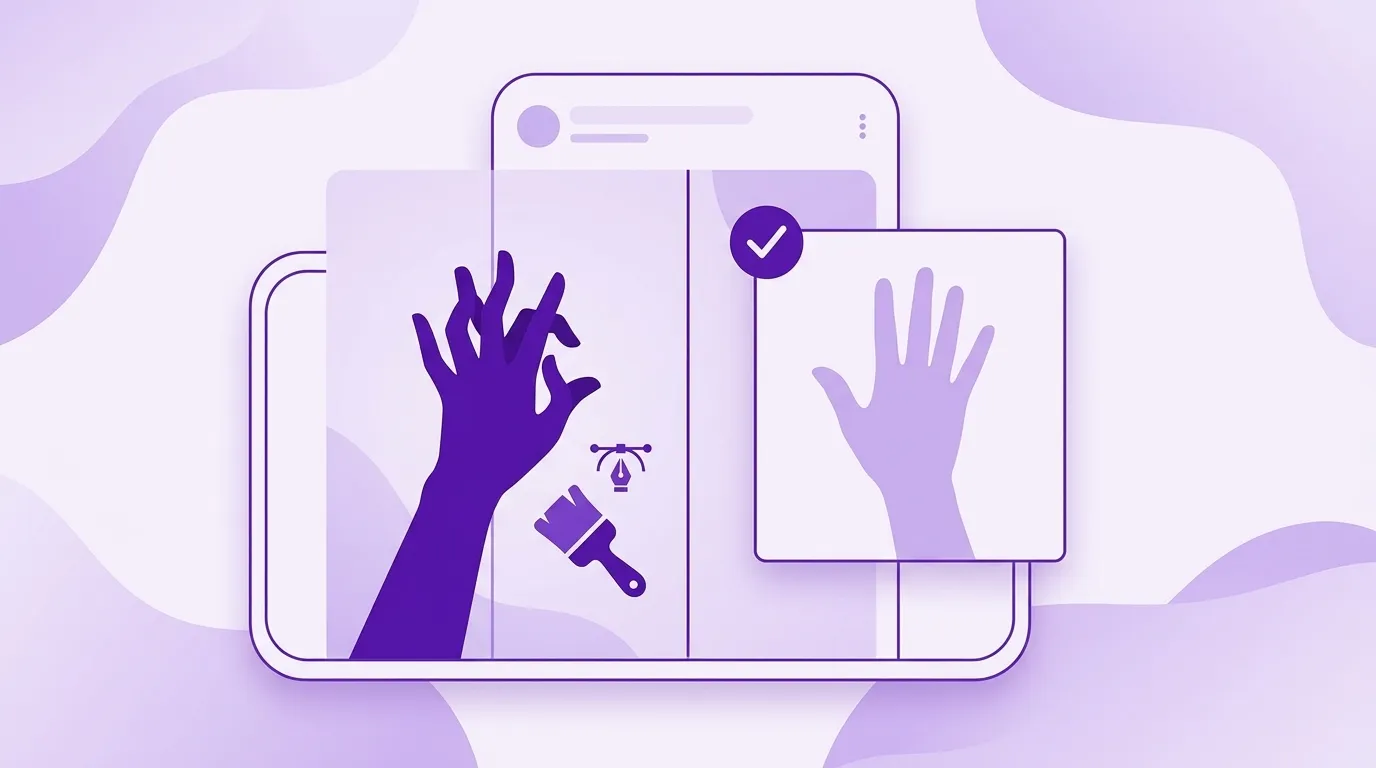
How to Fix AI Fingers in Stable Diffusion (2026 Guide)
Master inpainting, ControlNet & ADetailer to fix AI fingers in Stable Diffusion. Get perfect hands every time with Sozee’s proven techniques.
-
Most Realistic Stable Diffusion AI Photo Generator
Flux, Juggernaut XL, or Sozee? Find the most realistic AI photo generator — no GPU, no friction. Sozee turns your likeness into a content…
-
How to Use IP-Adapter FaceID with Stable Diffusion in 2026
Master IP-Adapter FaceID in A1111 & ComfyUI with Sozee’s 2026 guide. Skip setup headaches and publish face-consistent AI images faster.
-
Juggernaut XL Photorealism: Settings, Prompts & Fixes
Unlock photorealistic Juggernaut XL output with expert settings, prompts & ComfyUI workflows. Scale your creative assets effortlessly with Sozee.
-
How to Use Stable Diffusion for Accurate Human Likeness
Master human likeness in Stable Diffusion with LoRA, IP-Adapter & more. Sozee skips the setup—generate realistic portraits in your browser instantly.
TERMS TO KNOW
- LoRA
- A small add-on model that teaches a base model one face, style or concept.
- Checkpoint
- A full trained model file that generation runs on.
- Sampler
- The algorithm that turns noise into an image over a set number of steps.
STABLE DIFFUSION — QUESTIONS CREATORS ASK
Is Stable Diffusion free to use?
The models are open-source; the costs are hardware, setup time and maintenance. Self-hosting guides here cost the full route against subscription tools.
What are LoRAs?
Small fine-tuned model add-ons that teach a base model a specific face, style or concept u2014 the standard route to character consistency in the SD ecosystem. The guides cover training and using them.
DEEP DIVES IN STABLE DIFFUSION
RELATED TOPICS
Part of Tools & Comparisons · all topics →